Sign from C#
Resolve DocumentSigner from dependency injection and call SignAsync with the document, the signature image, where it goes and, for a digital seal, your certificate.
The Doconut Signer plugin places a visible signature on a PDF or Word document and, by default, seals it with a digital signature that a PDF reader can verify. Sign from your server code with DocumentSigner, or drop a ready-made signing widget into your page.
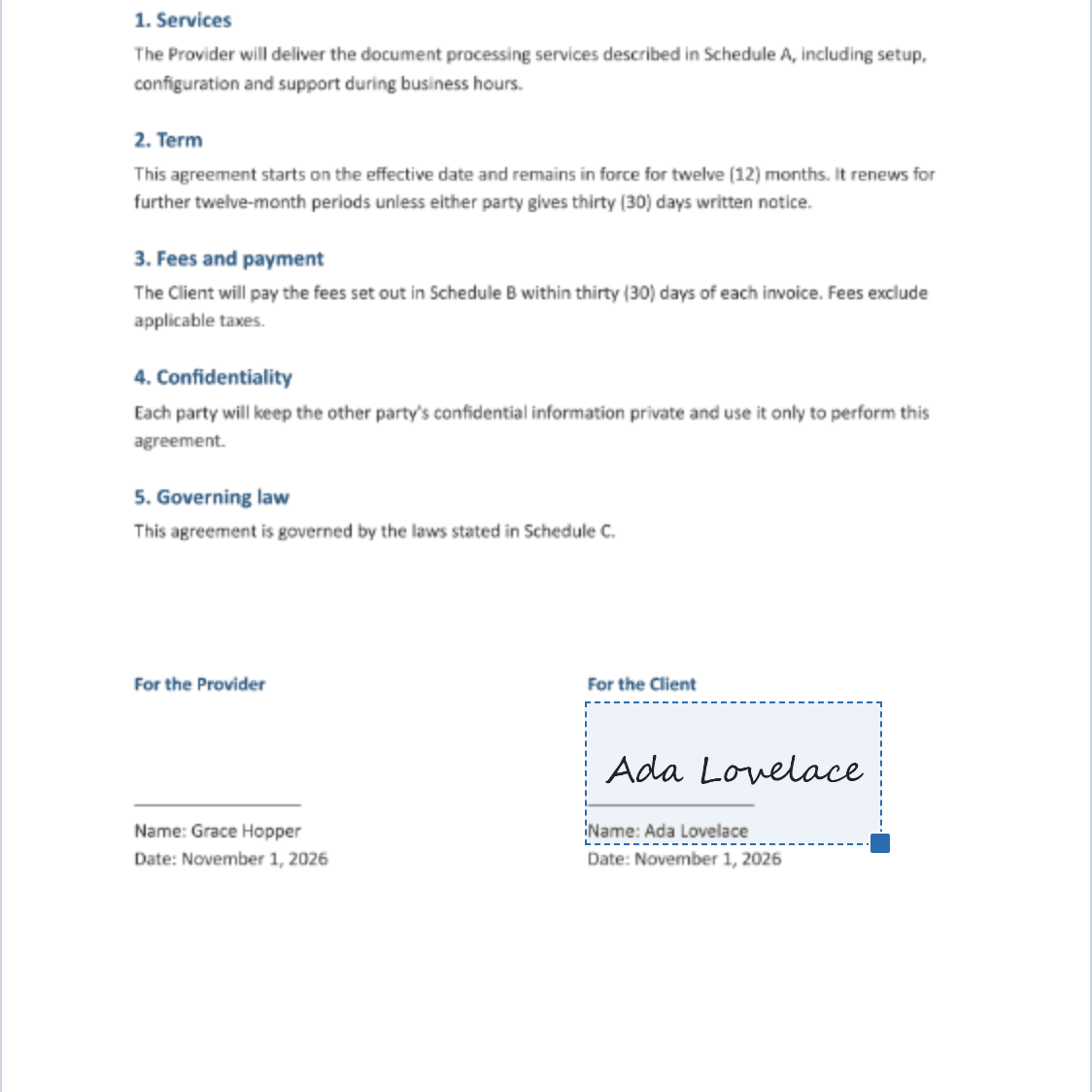
Signer runs inside your own Doconut application. The document, the signature image and your certificate stay on your servers, and the signed file comes back as a PDF or a Word document.
Use the C# API when signing happens on the server, and the drop-in widget when a person signs in the browser. Both follow the same licensing and certificate rules.
Resolve DocumentSigner from dependency injection and call SignAsync with the document, the signature image, where it goes and, for a digital seal, your certificate.
The widget lets a user upload a PDF or Word file, draw, type or upload a signature, place it on the page, and download the signed result.
Seal documents with your own PFX / PKCS#12 certificate. It is held in memory only and never logged, returned to a client or persisted.
When the widget is enabled, a missing file, a wrong password or a certificate without a private key stops the app at startup, not at the first signature.
The widget talks to three documented HTTP endpoints. Use the same contract to build a signing screen that matches your product.
Behind a load balancer, uploads and signed results can live in a shared folder, encrypted at rest with AES-256.
Each signature is placed once, on one page. Hardware tokens, smart cards, HSMs and the Windows certificate store are not supported: the certificate must be a PFX file with its private key.
Visible signatures, digital seals and Word output, with the same Doconut plugin model you already use for the viewer.
Sign PDF and Word (.docx) files. A Word document is returned as a sealed PDF by default, or as a Word file.
The visible signature is a PNG image: drawn on a canvas, typed in a signature font, or uploaded as PNG, JPG or GIF.
PDF seals are PKCS#7 detached signatures with SHA-256, for RSA or ECDSA keys, and carry the issuer certificates found in your PFX.
The signer's name, the reason and the location can travel with the signature.
Override any label, theme colors and fonts through CSS custom properties, and react to the widget's callbacks.
At startup Doconut logs which certificate it uses and warns when it is expired, not yet valid, or not issued for document signing.
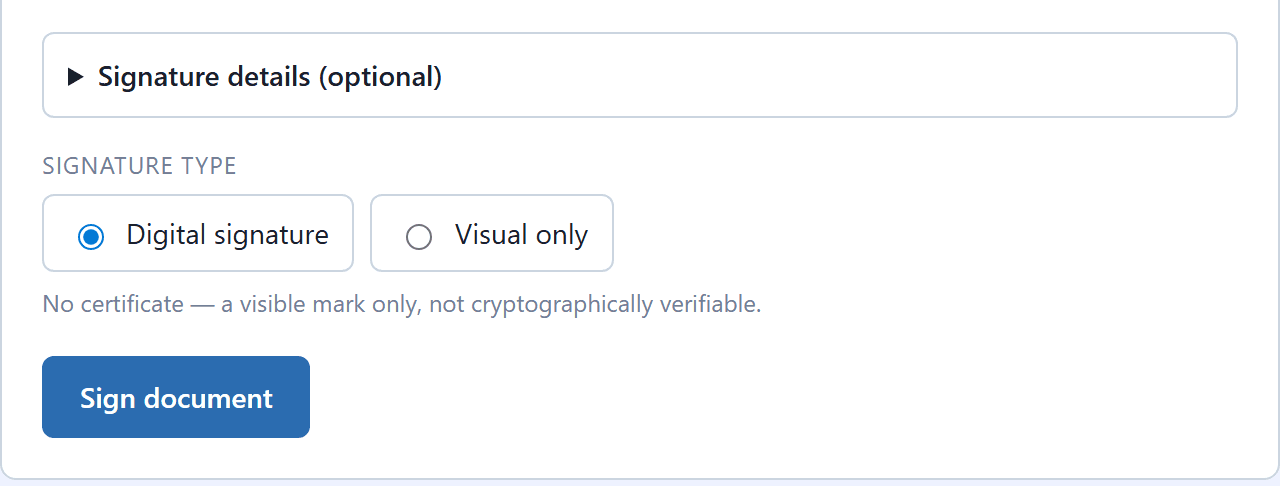
SignRequest.Mode, or the widget's Digital signature / Visual only choice, decides whether a signature is sealed.
The default. A visible signature plus a digital seal that PDF readers can verify for identity and integrity. Needs your certificate under a paid license.
The visible signature only. No certificate is needed, and the result is a picture, not a verifiable signature.
For .docx sources: a signed PDF (the default, verifiable everywhere) or a Word file with an OOXML package signature, which not every viewer shows.
Register the plugin inside AddDoconut, then resolve DocumentSigner and call SignAsync. The result is the signed document as a stream, with its extension.
builder.Services.AddDoconut(options =>
{
    options.LicensePath = "Doconut.Viewer.lic";
    options.AddPlugin<Doconut.Plugins.Signer.SignerPlugin>();
});

var request = new SignRequest(
    new VisibleSignature(
        SignatureKind.Drawn, signaturePng),
    new SignaturePlacement(
        Page: 1, X: 0.58, Y: 0.80, W: 0.32, H: 0.12),
    SignerName: "Ada Lovelace",
    Reason: "I approve this document");

SignResult result = await signer.SignAsync(
    pdf, ".pdf", request, certificate, ct);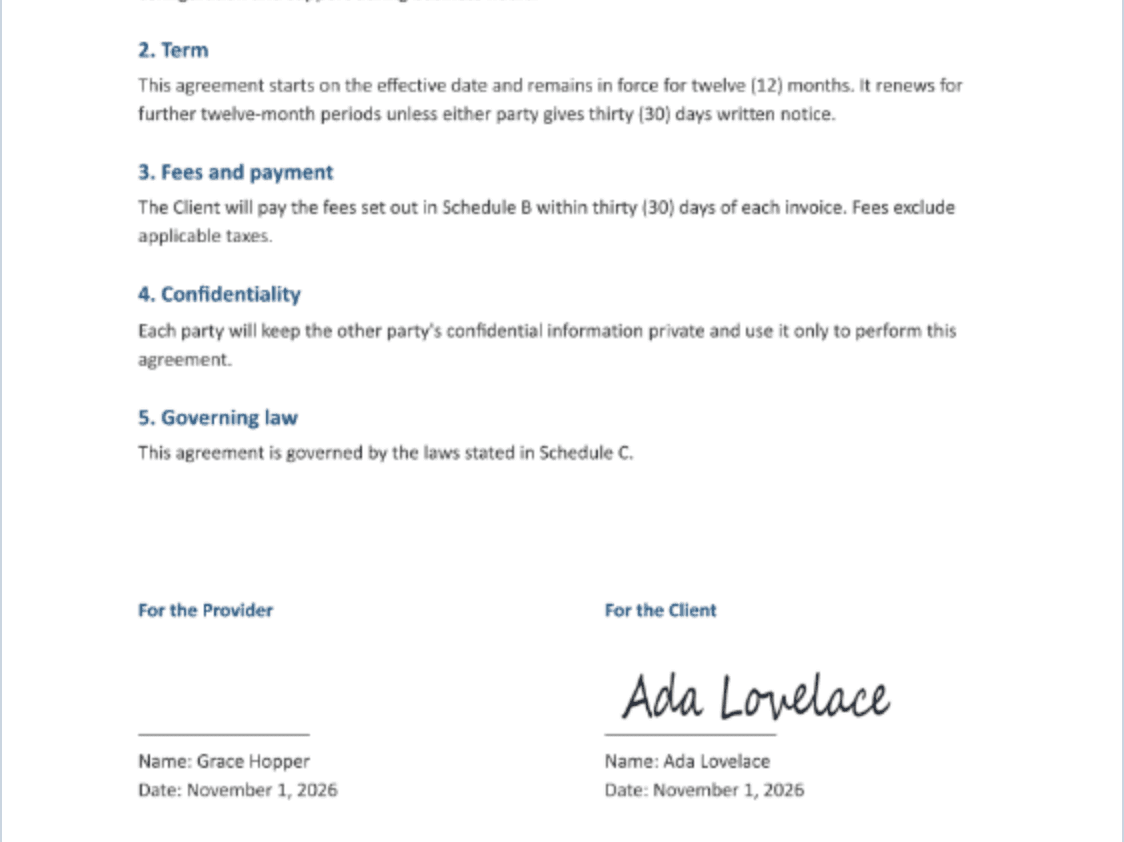
Install the Signer package that matches your Doconut package, at the same version.
Doconut.NET8.Signer
Doconut.NET6.Signer
Doconut.NETStandard.Signer
Doconut.NETFramework.Signer (C# 9.0 or later)
Signer needs a license that grants the Signer capability. Its license file, Doconut.Viewer.Signer.lic, goes next to Doconut.Viewer.lic.
A temporary Demo license signs with a built-in demo certificate. The seal is genuine, but the output is watermarked and PDF readers do not trust it.
A paid license that grants Signer, plus your own certificate, gives clean, sealed output.
An expired or not-yet-valid certificate does not stop the app, but Certified signatures are refused until it is replaced. Visual signatures keep working.
A PDF reader shows the signature as valid when it trusts your certificate's root, such as your organization's own PKI.
Choose the license that matches how you deploy document signing in your Doconut application.
| License | Price | Best for | Includes |
|---|---|---|---|
Developer License | Coming soon | One developer building or maintaining a Doconut signing integration. | Licensed access to the Signer plugin for development and project implementation. |
Site License | Coming soon | A production deployment owned by one organization. | Document signing for site-level deployments that need predictable commercial coverage. |
SDK License | Coming soon | Teams embedding Doconut into redistributed or multi-client software. | Broader licensing for SDK-style distribution and customer-facing product scenarios. |
Signer plugin prices will be published soon. Contact us for a quote; final licensing terms depend on your Doconut license type and deployment model.
Contact salesUse the plugin when people or processes need to sign documents without leaving your application.
Signer adds the signature to the document. Who may sign, and in what order, stays under your application's control.
Key details for teams evaluating document signing in Doconut.
PDF and Word (.docx) files. A Word document is signed to PDF by default, or kept as Word with an OOXML package signature.
Certified adds a visible signature plus a digital seal that a PDF reader can verify. Visual adds the visible signature only: no certificate is needed, and it is not cryptographically verifiable.
A PFX / PKCS#12 file with its private key, with RSA or ECDSA keys. Hardware tokens, smart cards, HSMs and the Windows certificate store are not supported; export the certificate to a PFX.
A reader trusts the signature when it trusts the certificate's root. With your organization's PKI, that holds on machines that trust your root. Certificates on the Adobe Approved Trust List are, as far as we know, issued on a hardware token or HSM, which this plugin cannot use; check with your certificate provider.
Yes. A temporary Demo license signs with the built-in demo certificate. The output is watermarked and readers do not trust the demo certificate, but you can build and test the integration end to end.
No. You can sign from C# with DocumentSigner, use the drop-in widget, or build your own UI against the documented HTTP endpoints.
Signer ships for .NET 8, .NET 6, .NET Standard 2.1 and .NET Framework 4.7.2, and runs wherever the matching Doconut package runs. On .NET 8 and .NET 6 that is Windows and glibc-based Linux x64.