
统一转换引擎
通过单一 API 处理所有文档转换——无需第三方工具或在线服务。支持 PDF、Word、Excel、PowerPoint、电子邮件、CAD 和图像。
- •统一语法: 针对每种转换类型的简洁一致 API。
- •高性能: 由 Doconut Core 提供动力,实现快速可靠的处理。
- •离线且安全: 在您的环境本地运行,确保完整隐私。
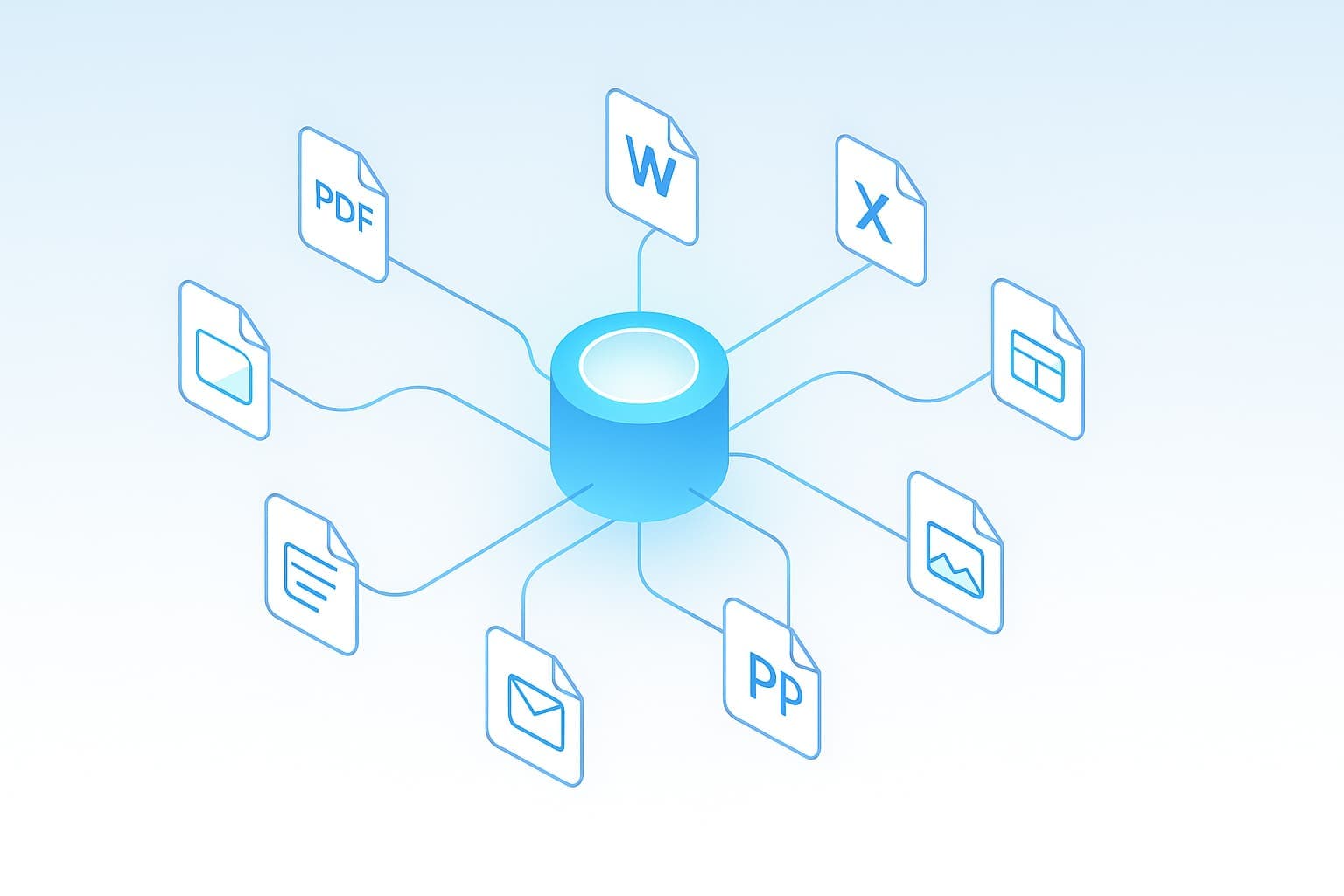
支持的转换
即时在常见文档类型之间转换。Doconut Converter 支持数十种输入/输出组合,具备精确的渲染保真度。
DOCX, XLSX, PPTX, PNG, JPG, HTML
📝 Word
PDF, PNG, JPG, HTML
📊 Excel
PDF, PNG, JPG, CSV, TXT
📽️ PowerPoint
PDF, PNG, JPG
PDF, PNG, JPG, HTML
🖼️ Image
PDF, WEBP, TIFF, PNG, JPG
📐 CAD (DWG)
PDF, PNG, JPG
在任何 .NET 项目中的简易集成
只需几行代码即可添加文档转换。兼容 .NET Framework、.NET Core 和 .NET 6+。
ConverterSample.cs
        using System;
        using System.IO;
        using System.Threading;
        using System.Threading.Tasks;
        using Doconut.Plugins.Converter; // namespace where DocumentConverter lives

        // DocumentConverter is registered via AddDoconut and injected by the DI container.
        // This example converts a PDF file to DOCX using the current Doconut.NET8 API.

        public async Task ConvertPdfToDocxAsync(CancellationToken ct = default)
        {
            // Open the source PDF file (placeholder path as in the original sample).
            await using var pdfStream = File.OpenRead("sample.pdf");

            // Perform the conversion. The source extension must include the leading dot.
            // ConversionTarget.Docx specifies the desired output format.
            Stream docxStream = await converter.ConvertAsync(
                pdfStream,
                sourceExtension: ".pdf",
                target: ConversionTarget.Docx,
                password: null, // no password for this example
                ct: ct);

            // Save the resulting DOCX file (placeholder output path).
            await using var output = File.Create("sample.docx");
            await docxStream.CopyToAsync(output, ct);
        }

        // Note: In a real ASP.NET Core app you would inject DocumentConverter into the endpoint
        // and use it there, e.g.:
        // app.MapPost("/api/convert", async (DocumentConverter converter, IFormFile file, CancellationToken ct) => { ... });
安全、本地、私密
Doconut Converter 在本地处理所有内容——无需上传、无需云依赖,也无需外部服务。您的数据保持完全私密。
- ✅ 离线执行: 100% 本地文档处理。
- ✅ 加密: 使用强加密机制保护文件。
- ✅ 无外部调用: 确保数据永不离开您的环境。
完美适用于您的应用
无论您是在构建企业自动化、文档管理系统(DMS)还是网页转换服务,Doconut Converter 都能无缝集成。
企业自动化
自动化文档工作流和批量转换。
文档管理
在您的 DMS 中集成即时转换。
Web 应用
轻松为 .NET Web 应用添加服务器端转换。