Doconut Viewer Plugin – Converter
Transform your .NET applications with seamless, high-performance document conversion across all major formats.

Convert Across All Major Formats
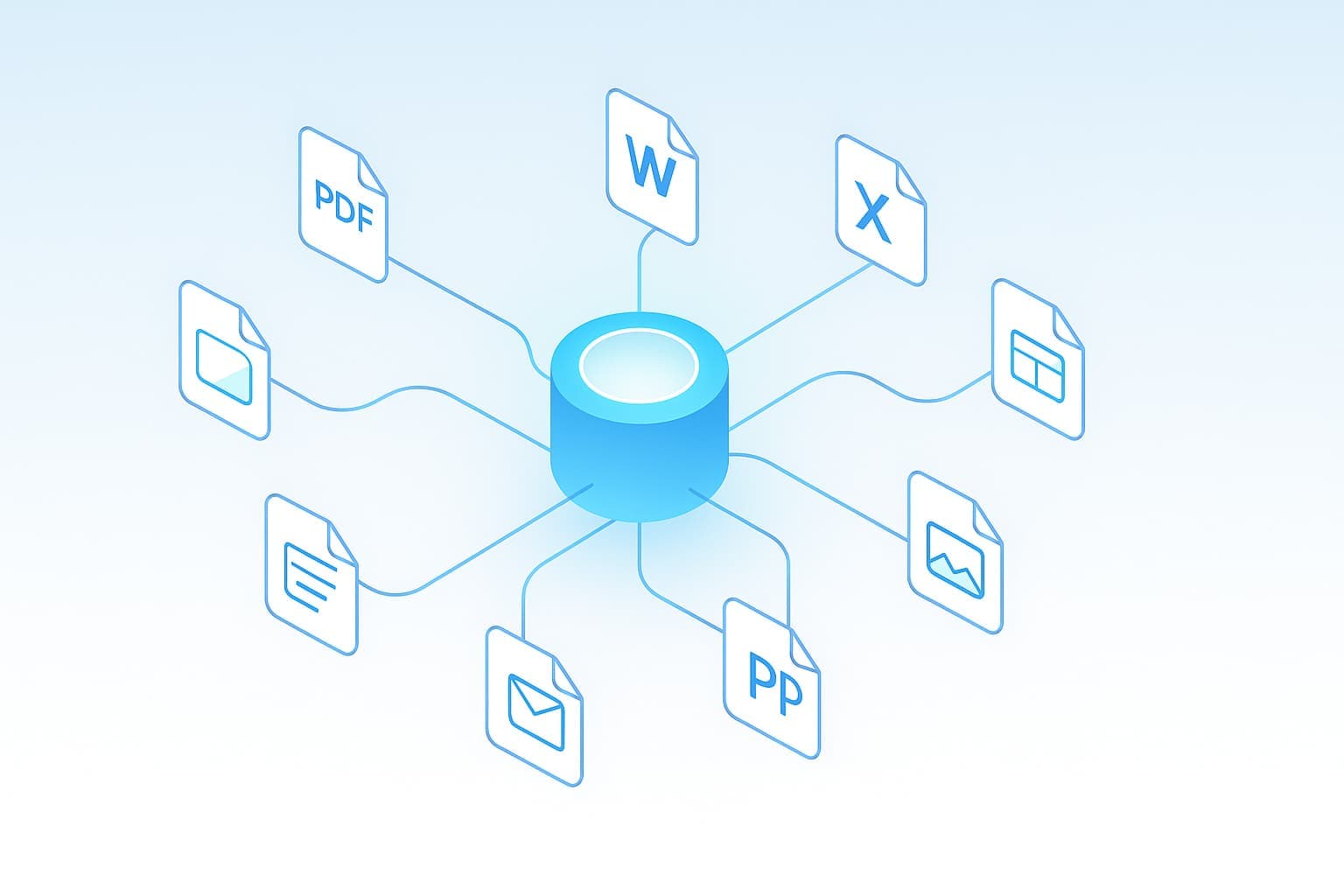
From PDF to Word, Excel to PDF, and PowerPoint to Images — the Converter Plugin provides a unified API for fast, accurate, and secure document transformations.
View MoreUnified Conversion Engine
Handle all document conversions through a single API — no third-party tools or online services required. Supports PDF, Word, Excel, PowerPoint, Email, CAD, and Images.
- •Unified Syntax: Simple, consistent API for every conversion type.
- •High Performance: Powered by Doconut Core for fast, reliable processing.
- •Offline & Secure: Runs locally within your environment for complete privacy.
Supported Conversions
Instantly convert between common document types. Doconut Converter covers dozens of input/output combinations with precise rendering fidelity.
DOCX, XLSX, PPTX, PNG, JPG, HTML
📝 Word
PDF, PNG, JPG, HTML
📊 Excel
PDF, PNG, JPG, CSV, TXT
📽️ PowerPoint
PDF, PNG, JPG
PDF, PNG, JPG, HTML
🖼️ Image
PDF, WEBP, TIFF, PNG, JPG
📐 CAD (DWG)
PDF, PNG, JPG
Simple Integration in Any .NET Project
Add document conversion with just a few lines of code. Compatible with .NET Framework, .NET Core, and .NET 6+.
        using System;
        using System.IO;
        using System.Threading;
        using System.Threading.Tasks;
        using Doconut.Plugins.Converter; // namespace where DocumentConverter lives

        // DocumentConverter is registered via AddDoconut and injected by the DI container.
        // This example converts a PDF file to DOCX using the current Doconut.NET8 API.

        public async Task ConvertPdfToDocxAsync(CancellationToken ct = default)
        {
            // Open the source PDF file (placeholder path as in the original sample).
            await using var pdfStream = File.OpenRead("sample.pdf");

            // Perform the conversion. The source extension must include the leading dot.
            // ConversionTarget.Docx specifies the desired output format.
            Stream docxStream = await converter.ConvertAsync(
                pdfStream,
                sourceExtension: ".pdf",
                target: ConversionTarget.Docx,
                password: null, // no password for this example
                ct: ct);

            // Save the resulting DOCX file (placeholder output path).
            await using var output = File.Create("sample.docx");
            await docxStream.CopyToAsync(output, ct);
        }

        // Note: In a real ASP.NET Core app you would inject DocumentConverter into the endpoint
        // and use it there, e.g.:
        // app.MapPost("/api/convert", async (DocumentConverter converter, IFormFile file, CancellationToken ct) => { ... });
Secure, Local, and Private
Doconut Converter processes everything locally — no uploads, no cloud dependencies, and no external services. Your data stays fully private.
- ✅ Offline Execution: 100% local document processing.
- ✅ Encryption: Protects files with strong encryption mechanisms.
- ✅ No External Calls: Ensures data never leaves your environment.
Perfect for Your Application
Whether you’re building enterprise automation, a DMS, or a web conversion service, Doconut Converter integrates seamlessly.
Enterprise Automation
Automate document workflows and batch conversions.
Document Management
Integrate on-the-fly conversions within your DMS.
Web Applications
Add server-side conversion to .NET web apps effortlessly.