
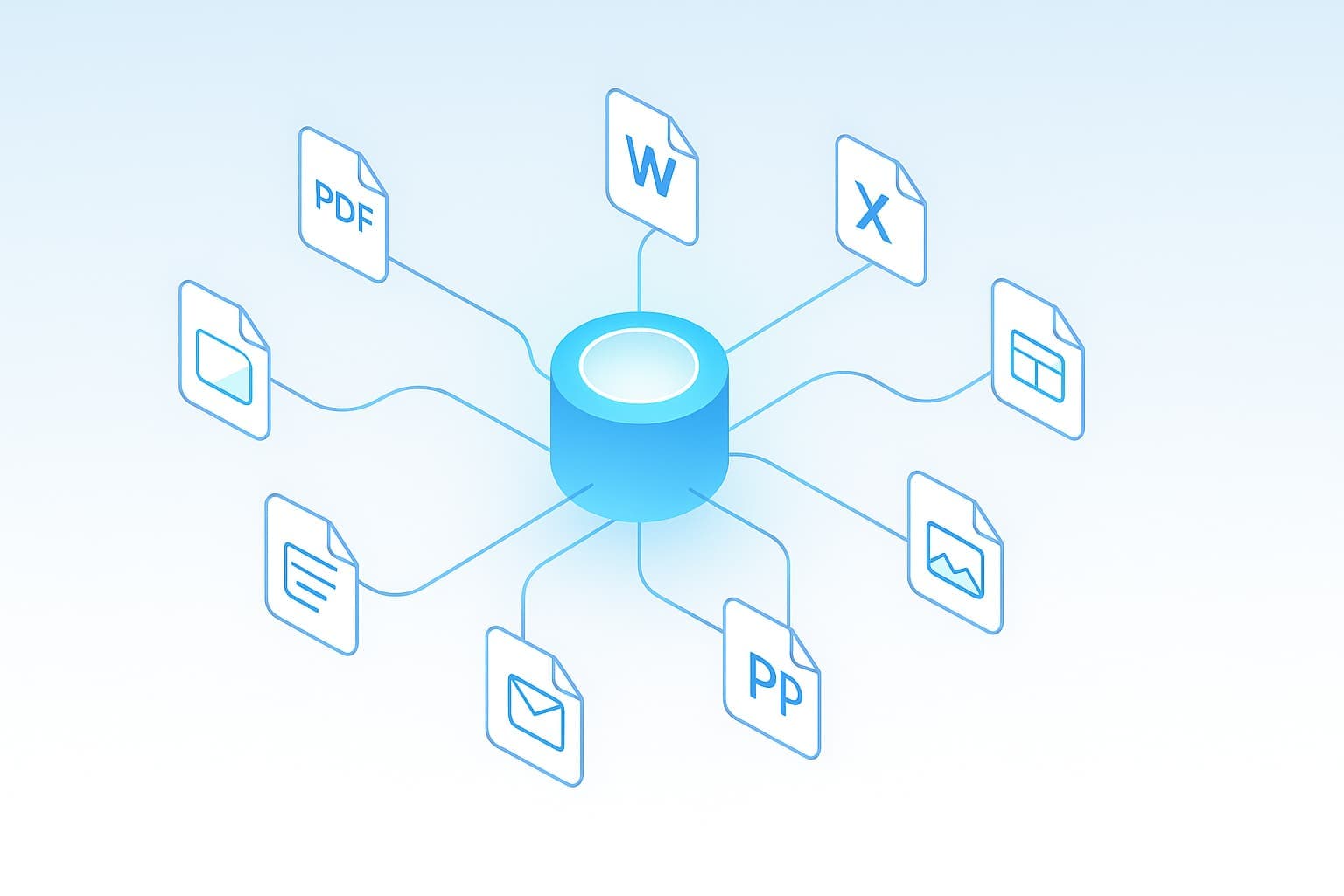
Server-side document conversion for Office, email, CAD and images

From PDF to Word, Excel to PDF, and PowerPoint to Images — the Converter Plugin provides a unified API for fast, accurate, and secure document transformations.

View More

Unified Conversion Engine

Handle all document conversions through a single API — no third-party tools or online services required. Supports PDF, Word, Excel, PowerPoint, Email, CAD, and Images.

  • •Unified Syntax: Simple, consistent API for every conversion type.
  • •High Performance: Powered by Doconut Core for fast, reliable processing.
  • •Offline & Secure: Runs locally within your environment for complete privacy.
Unified Conversion Engine

Supported Conversions

Instantly convert between common document types. Doconut Converter covers dozens of input/output combinations with precise rendering fidelity.

📄 PDF

DOCX, XLSX, PPTX, PNG, JPG, HTML

📝 Word

PDF, PNG, JPG, HTML

📊 Excel

PDF, PNG, JPG, CSV, TXT

📽️ PowerPoint

PDF, PNG, JPG

📧 Email

PDF, PNG, JPG, HTML

🖼️ Image

PDF, WEBP, TIFF, PNG, JPG

📐 CAD (DWG)

PDF, PNG, JPG

How to convert Word to PDF in C#

Register the Converter plugin inside AddDoconut, inject DocumentConverter and call ConvertAsync with the Word file and ConversionTarget.Pdf. You get a seekable stream with the PDF, converted on your own server.

ConverterSample.cs
builder.Services.AddDoconut(options =>
{
    options.LicensePath = "Doconut.Viewer.lic";
    options.AddPlugin<Doconut.Plugins.Converter.ConverterPlugin>();
});

// Inject DocumentConverter; its constructor is internal, so never `new` it.
Stream pdf = await converter.ConvertAsync("contract.docx", ConversionTarget.Pdf, ct: ct);
Try the converter live
Secure, Local, and Private

Secure, Local, and Private

Doconut Converter processes everything locally — no uploads, no cloud dependencies, and no external services. Your data stays fully private.

  • ✅ Offline Execution: 100% local document processing.
  • ✅ Encryption: Protects files with strong encryption mechanisms.
  • ✅ No External Calls: Ensures data never leaves your environment.

Perfect for Your Application

Whether you’re building enterprise automation, a DMS, or a web conversion service, Doconut Converter integrates seamlessly.

Enterprise Automation

Automate document workflows and batch conversions.

Document Management

Integrate on-the-fly conversions within your DMS.

Web Applications

Add server-side conversion to .NET web apps effortlessly.

Converter plugin licensing

Choose the plan that best fits your project — all include updates and support.

👨‍💻

Developer

$149

Single developer, one domain & all subdomains.

Buy Now
🏢

Site

$199

Multiple domains owned by one organization.

Buy Now
⚙️

SDK

$249

Redistribution and multi-client environments.

Buy Now

Questions about converting documents in .NET

How DocumentConverter works and where it runs.

How do I convert Word to PDF in C#?

Use DocumentConverter.ConvertAsync with your Word file and ConversionTarget.Pdf to convert Word to PDF in C#. Install and register the Converter plugin, then resolve DocumentConverter through dependency injection. The conversion returns a seekable MemoryStream positioned at zero. Your code owns that stream and should dispose it after use.

Read the documentation

Which document conversions does Doconut support?

Available conversions depend on the source document's format family; every source does not support every target. The Converter supports targets including PDF, DOCX, HTML, XLSX, PNG and JPEG. For a conversion interface, use the allowedTargets returned when opening the source instead of offering every target in the enumeration.

Read the documentation

Can I run server-side document conversion without a browser?

Yes, DocumentConverter supports server-side document conversion with no browser involved. Resolve the service through dependency injection and call ConvertAsync with a file path or source stream. For stream input, provide the source extension with its leading dot. The service is stateless and safe to reuse across requests.

Read the documentation

Can I add a document converter widget to my ASP.NET Core app?

Yes, the Converter provides a browser widget for uploading, previewing, converting and downloading documents in your own application. Register the Converter plugin and opt into its endpoints with AddConverterWidget(). The widget shows the source's allowed targets. Its endpoints are disabled by default and require the Converter capability.

Try it in the live demo

Does Doconut Converter run on Linux with .NET 8?

Yes, Converter runs on Windows and glibc-based Linux x64 wherever Doconut.NET8 runs. On Debian or Ubuntu, install libfontconfig1 before opening documents; on RHEL or Fedora, install fontconfig. Alpine and other musl-based distributions are unsupported. Keep the Converter package at the same version as the base Doconut.NET8 package.

See pricing

Try, build, buy

See it working before you install anything

Turn Office, CAD and email files into PDF or images on your own server, in the same app as the viewer. Try it by converting a sample email to PDF.

The live demo runs on sample documents. No sign-up, no install.

Add it to your project

Start with the NuGet package, then follow the setup guide for your framework.

dotnet add package Doconut.NET8.Converter
Read the setup guide

Add document conversion to your .NET app

Try the Converter Plugin today and experience fast, reliable document conversion — secure, offline, and easy to integrate.

Get Started with Converter Plugin