Navigate long documents
Use page thumbnails, direct page selection, previous and next controls, continuous scroll, and drag-to-pan navigation.
thumbnails · page jump · previous / next · pan
Self-hosted document viewing for .NET
Embed secure document viewing in C# and .NET applications, including ASP.NET Core, Blazor, MVC, Razor Pages, and JavaScript frontends. Render PDF, Office, CAD, email, and images on Windows or Docker without Microsoft Office.
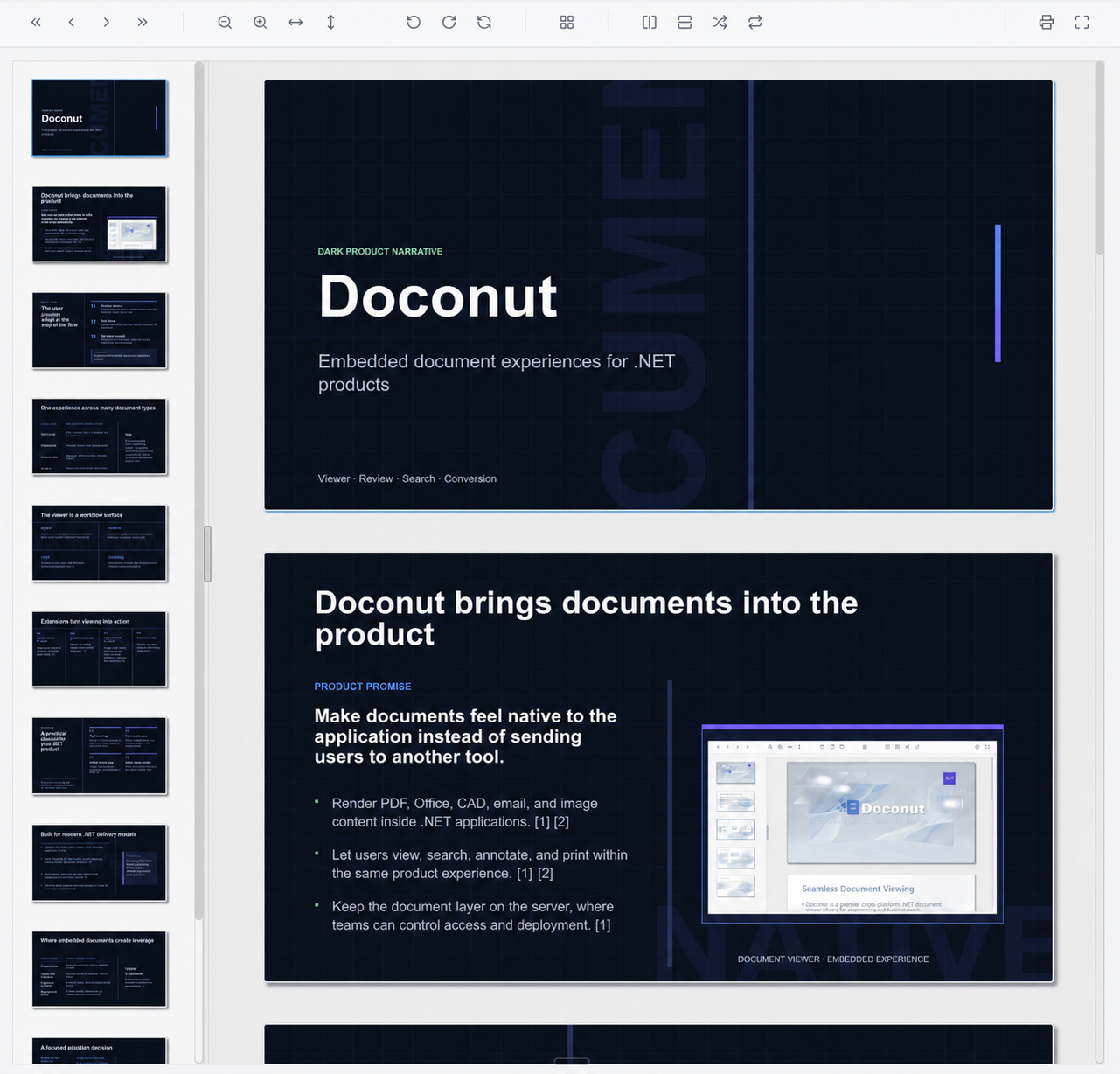
Replace separate Office, PDF, CAD, email, and image viewers with one API.
Each family uses controls designed for its document structure and workflow.
Balance sharp output and processing cost for each application and document.
Render server-side without sending source documents to a third-party viewer service.
The viewing experience
Keep users inside your application with familiar navigation and inspection tools instead of sending them to a download or a separate desktop program.

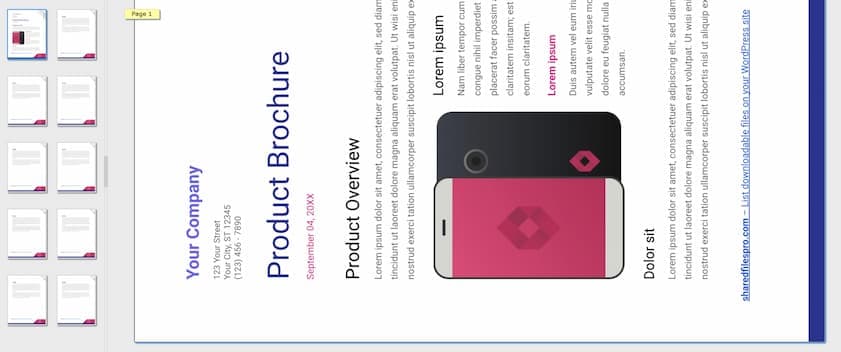
Use page thumbnails, direct page selection, previous and next controls, continuous scroll, and drag-to-pan navigation.
thumbnails · page jump · previous / next · pan
Zoom in or out with configurable steps and limits, then fit content by width, height, or page.
PageZoom · ZoomStep · MaxZoom · FitType
Rotate pages in 90-degree steps or flip them horizontally and vertically without changing the source file.
Rotate · Flip · per-page transform state
Expose print, export, full-screen, upload, and sample-file actions in the host toolbar around the embedded viewer.
print · export · full screen · host callbacks
Lazy page loading, thumbnail previews, page-level memory caching, optional browser caching, and a large-document strategy reduce unnecessary work.
LargeDoc · CachePages · CacheEnabled · lazy load
Format coverage
The list below is generated from the same shipping catalog the SDK uses to decide whether a file is viewable. It includes every verified extension and the controls available for its family.
Resolution, passwords, link extraction, search and copy flags, image compression, resizing, and segmented rendering.
Resolution, culture, passwords, paper size, margins, page color, encoding, font folders, and table autofit.
.doc .docx .docm .dot .dotx .dotm .rtf .odt .ott .xml
Resolution, page setup, autofit, formula calculation, sheet selection, print area, gridlines, and worksheet splitting.
.xls .xlsx .xlsm .xlsb .xltx .xltm .ods .csv
Resolution, passwords, font folders, fast loading, and direct or PDF-backed rendering.
.ppt .pptx .pptm .ppsx .ppsm .pot .potx .potm .odp
Resolution, color, background, line width, model and layouts, 3D solids, output bounds, scaling, and render quality.
.dwg .dxf
Resolution, model and layout visibility, automatic scaling, background, line width, and image or text quality.
.dgn
Resolution, direct or PDF-backed rendering, page caching, and PDF/A export configuration.
.vsd .vsdx .vss .vssx .vst .vstx .vdx .vsx .vsdm
Resolution, paper size, day or month time scale, and five views including Gantt, task, and resource layouts.
.mpp .mpx
Resolution, a configurable maximum output size, transparent PNG handling, page caching, and UI visibility.
.jpg .jpeg .jpe .png .bmp .gif .ico .eps .tga .webp .cdr .cmx .dng .emf .wmf .avif .svg .jp2
Multi-page viewing with configurable resolution, page caching, and the shared viewer UI controls.
.tif .tiff
Resolution plus a configurable maximum output size for large layered design files.
.psd
Horizontal and vertical DPI, frame delay, loop count, and animation-only, frames-only, or combined display through the DICOM plugin.
.dcm .ima
Resolution, message encodings, external-image policy, time zone, page sizing, antialiasing, and high-quality rendering.
.eml .emlx .msg
Resolution, direct or PDF-backed rendering, page caching, password, culture, and UI controls.
.epub
Resolution and PDF-backed rendering with configurable PDF behavior, caching, and viewer UI.
.xps
Resolution and direct or PDF-backed rendering with shared password, culture, caching, and UI controls.
.html .htm
Resolution and PDF-backed rendering for a reliable page projection, with cache and viewer UI controls.
.mht .mhtml
Resolution, paper size, file encoding, font selection, culture, page caching, and UI controls.
.txt
DICOM viewing requires the Doconut DICOM plugin. The exact extension count excludes converter-only formats.
Optional workflows
Add focused capabilities around the same embedded experience when a project needs review, discovery, conversion, or medical imaging.

Add comments, highlights, shapes, stamps, signatures, and collaborative review tools to documents.
Explore Annotation
Find words and phrases with result previews, highlighting, and navigation back through previous results.
Explore Search
Convert major document formats on your server through one private and consistent API.
Explore Converter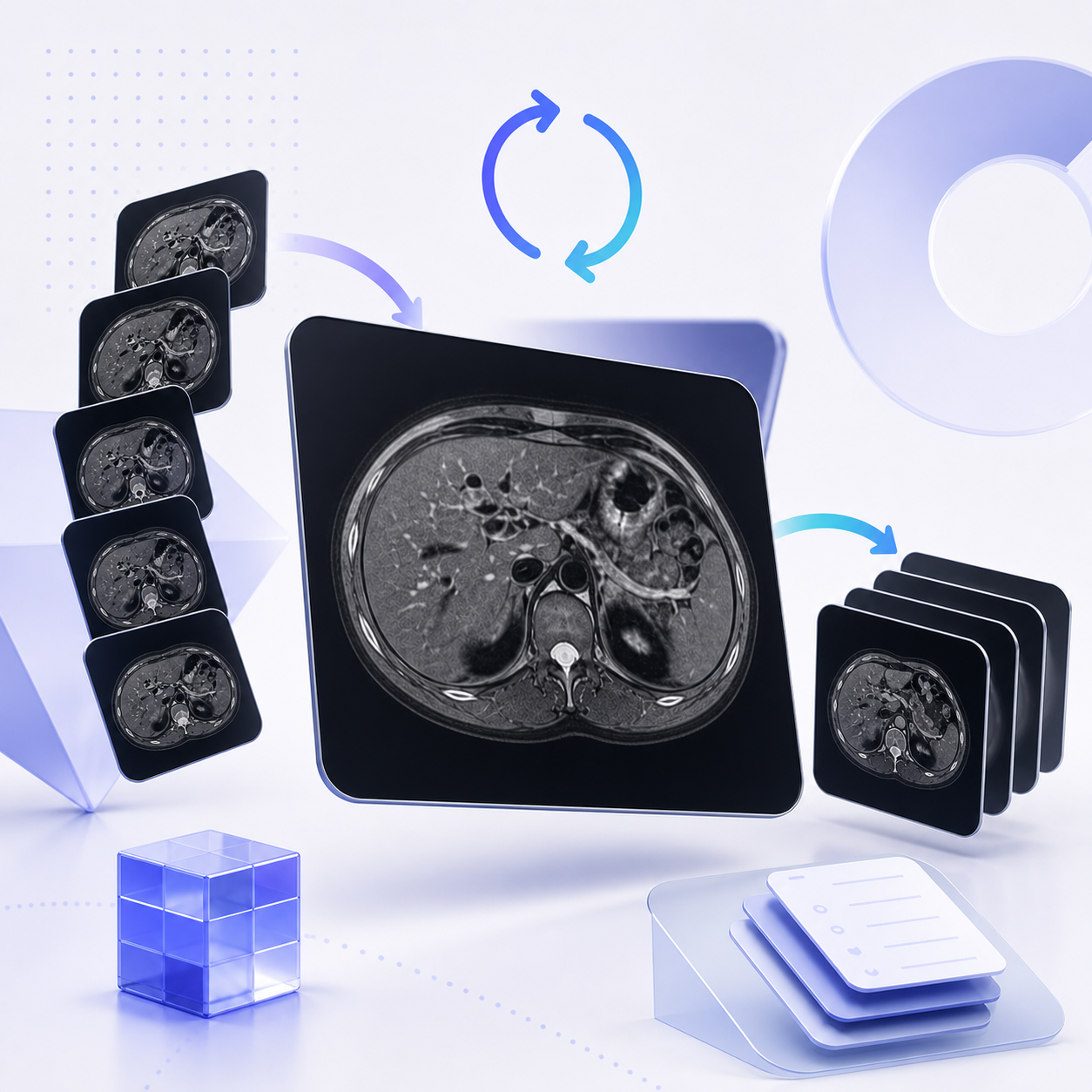
Open DCM and IMA medical imaging files with configurable multi-frame animation and frame-by-frame viewing.
Explore DICOMPrivate by architecture
Doconut renders server-side and gives your application control over sessions, storage, delivery, caching, and distributed processing.
Deployment options
Windows and Docker
Run directly on Windows or package your application in Docker while keeping processing under your control.
Open a path or stream inside ASP.NET, return an opaque session token, and serve page images without sending source documents to an external viewer service.
Route document artifacts through the storage already approved by your organization instead of coupling the viewer to one cloud vendor.
The new .NET 8 architecture, also brought to the updated .NET 6 edition, supports shared artifacts and rendering workflows for scaled-out applications.
Format-aware rendering
A shared configuration controls common behavior, while format-specific classes expose the settings that matter for spreadsheets, drawings, messages, images, presentations, and medical frames.
ImageResolution accepts 25 to 300 DPI. Office, PDF, CAD, TIFF, email, web, and text families default to 200 DPI; image, PSD, and DICOM families default to 100 DPI.
Set resolution, culture, password, UI visibility, and in-memory page caching across format-specific configurations.
ImageResolution · DocumentCulture · Password · ShowUI · CachePages
Control fonts and page setup in Word and PowerPoint, worksheet calculation and print behavior in Excel, and links or image optimization in PDF.
FontFolders · PaperSize · SplitWorksheets · PrintArea · ExtractHyperlinks · CompressImages
Choose CAD layouts and quality, Project presentation views and time scale, or image output bounds and PNG transparency.
ShowLayouts · ShowModel · QualityText · PresentationFormat · MaxImagePixelSize · TransparentPng
Control message encodings, external-image policy and time zone, plus medical frame resolution, playback timing, looping, and display mode.
EmailEncoding · SkipExternalImages · TimeZoneOffset · HorizontalResolution · AnimationFrameDelayMs · DisplayMode
Technical fit
Choose the package that matches your application. We recommend Doconut .NET 8 for new projects and upgrades, while preserving clear paths for existing applications.
Recommended for new development and upgrades
Our native modern edition combines dependency injection, async APIs, embedded resources, security middleware, and distributed deployment support.
Recommended update for net6.0 applications
Upgrade from the legacy .NET 6 package to the new DI, middleware, async, security, and distributed architecture while your application remains on net6.0.
View the new .NET 6Continue an established ASP.NET Core integration based on the classic Doconut middleware and Viewer workflow.
View setupSupport mature ASP.NET applications that use the DocImage handler and traditional Doconut configuration.
View setupUse the documentation for setup and migration details. If a question remains, ask the Doconut support community in the forum.
Register Doconut through dependency injection, serve its embedded resources, and open documents asynchronously from your application.
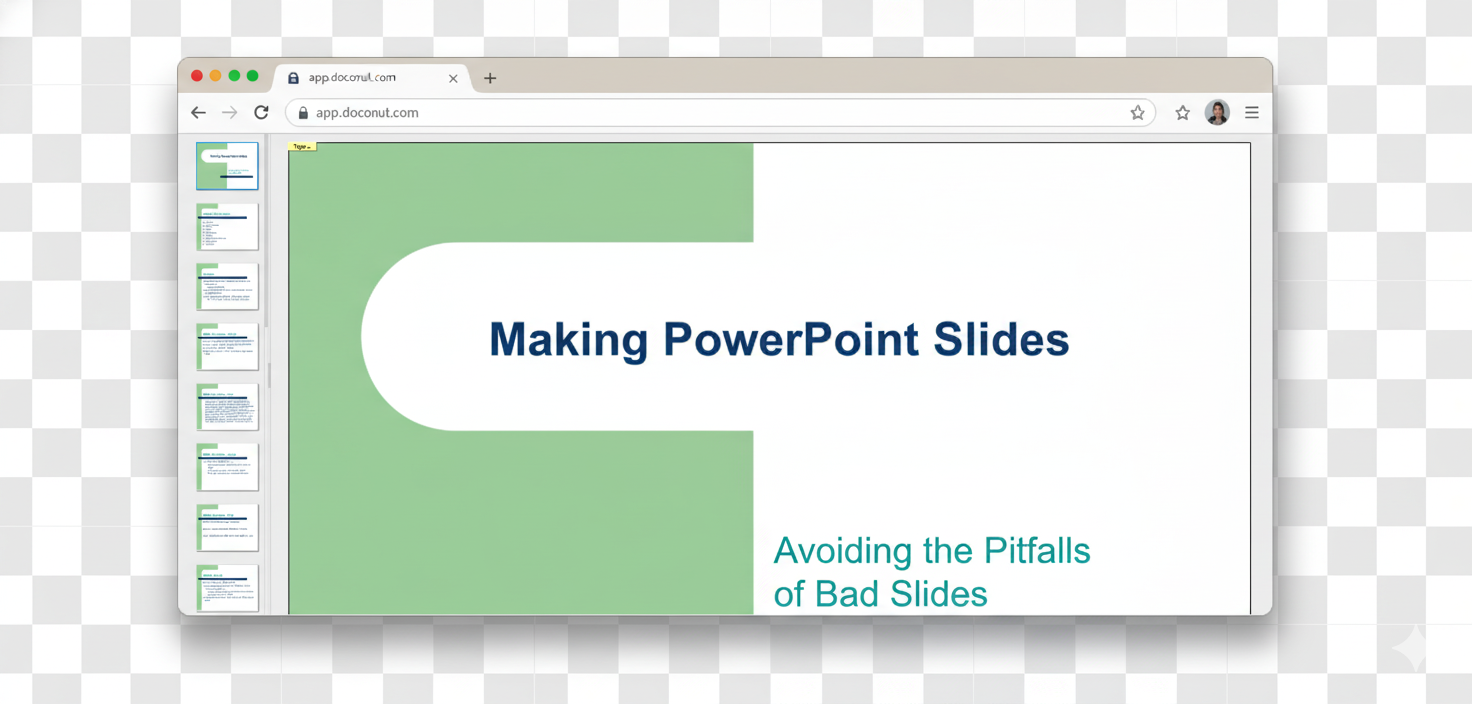
Choose the Doconut Viewer license that matches your development team, deployment, and distribution model.
$599
For one developer deploying the Viewer on one domain and its subdomains.
Updates and product support included
Buy Viewer$1799
For organizations running the Viewer across multiple internal or customer-facing domains.
Updates and product support included
Buy Viewer$2999
For vendors embedding Doconut in commercial software intended for redistribution.
Updates and product support included
Buy ViewerTest the complete viewing workflow, validate the formats and deployment your project needs, then choose the right .NET package.