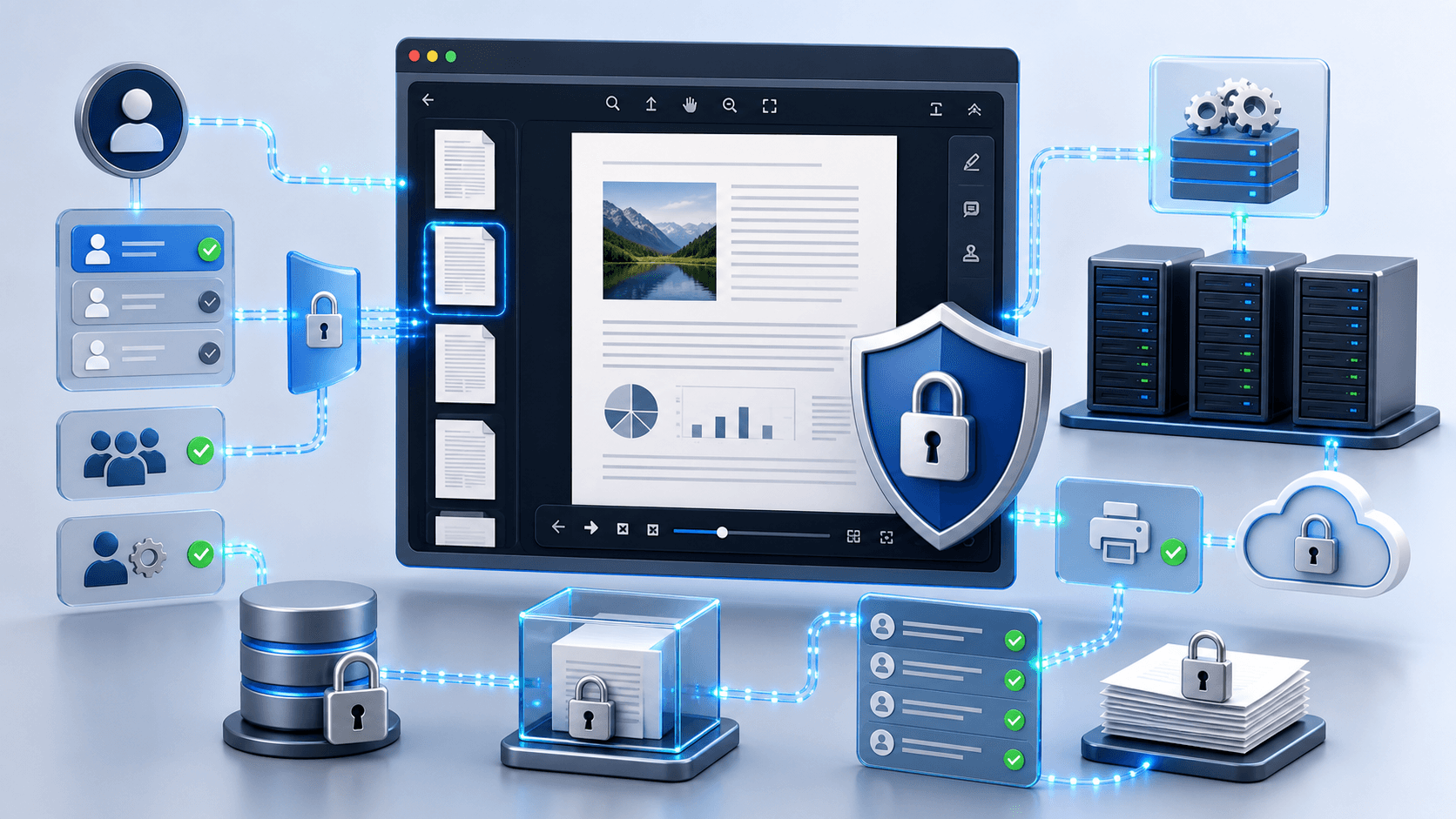
Security Considerations for .NET Document Viewers in Enterprise Apps
Introduction
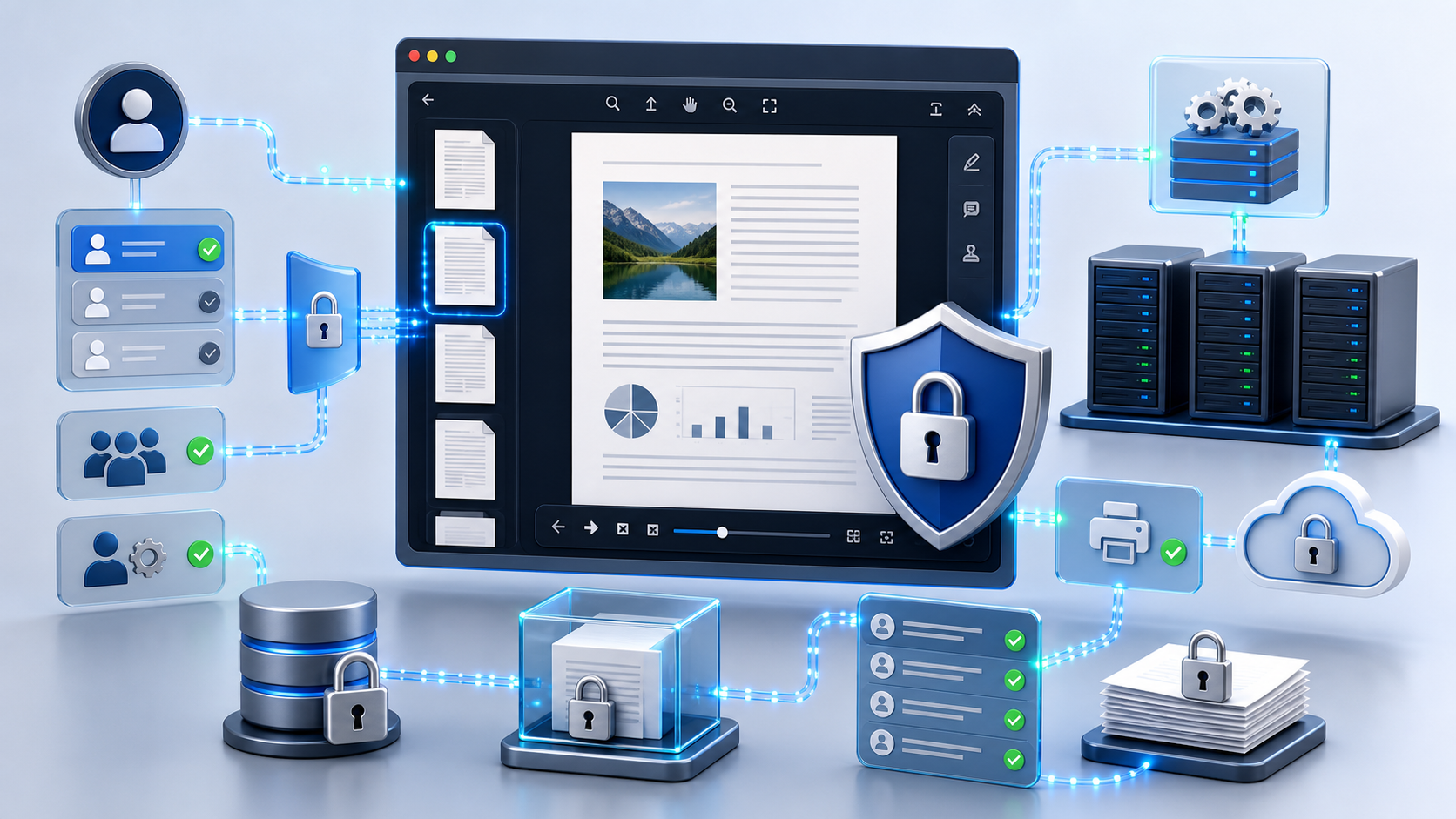
Building a .NET‑based document viewer means you have to think about security from day one. When you embed a viewer into an enterprise .NET app, the burning question is how to keep the content confidential while still giving users a rich, interactive experience. Whether you’re building a DMS, a customer portal, or a legal‑tech workflow, you’ll need to protect intellectual property, personal data, and any regulatory‑mandated information at every step of the viewing pipeline. In this article we’ll walk senior developers and architects through the most common attack vectors, the architectural choices that keep risk low, and why Doconut’s universal document viewer is built to be the secure foundation for any document‑centric .NET solution.
1. Threat Landscape for Embedded Viewers
Even a beautifully crafted UI can become an attack surface if the viewer leaks data or runs untrusted code. Below are the three threat categories you’ll most likely run into:
| Threat | Typical Manifestation | Business Impact |
|---|---|---|
| Data exfiltration | Direct download links, unsecured APIs, or client‑side rendering that sends raw bytes to the browser. | Loss of confidential contracts, PII breaches, regulatory fines. |
| Cross‑site scripting (XSS) & injection | Malicious markup inside a PDF or Office file that triggers script execution when rendered. | Session hijacking, credential theft, ransomware pivot. |
| Unauthorized manipulation | Users adding or modifying annotations, then exporting the altered file without audit trails. | Legal disputes, falsified records, compliance violations. |
Because viewers often need to render complex formats (PDF, DOCX, DWG, etc.) and support features like annotation and OCR, the code paths get bigger—and bigger attack surfaces are more tempting. The first line of defense? Keep a clear separation between trusted server‑side processing and controlled client‑side interaction.
2. Server‑Side vs. Client‑Side Rendering in .NET
Why Server‑Side Matters
- Zero data exposure – The raw file never leaves the trusted backend. Only rendered images or safe HTML fragments travel to the browser.
- Centralized policy enforcement – Encryption, redaction, and visual markings can be applied uniformly before the document reaches any user.
- Scalable isolation – Heavy‑weight conversion (e.g., turning a CAD DWG into a raster image) can run in isolated background jobs, limiting the blast radius of a compromised request.
When Client‑Side Is Acceptable
- Low‑sensitivity previews (public brochures) where latency is the primary concern.
- Environments where the entire infrastructure is air‑gapped and the client runs on a trusted corporate device.
Doconut’s Balanced Architecture
Doconut keeps the heavy conversion, OCR, and annotation preparation on the server while delivering a lightweight, HTML5‑based viewer that runs in any modern browser. The viewer never needs third‑party plugins, and all rendering comes from streams that originate from the server‑side Viewer component. This design eliminates the “download‑the‑original‑file” pattern many insecure solutions fall back on.
How to register Doconut in an ASP.NET Core pipeline
Instead of a code snippet, think of the registration as adding a middleware component that intercepts requests for the Doconut image endpoint (e.g., DocImage.axd) and routes them through Doconut’s rendering engine. The middleware validates each request against your existing authentication/authorization logic before allowing the image stream to be sent to the client. By configuring the middleware to reject any request that does not meet your security criteria, you ensure that only vetted documents are rendered.
3. Controlling Access, Authentication, and Authorization
Access Control Strategy
Rather than exposing a static file path or a public URL, integrate Doconut with your existing identity provider. When a user requests a document, your server‑side code should:
- Verify the user’s identity and roles via the standard ASP.NET Core authentication pipeline.
- Perform any additional business‑logic checks (e.g., ensuring the user belongs to the correct department or has a specific claim).
- If the checks pass, invoke Doconut’s viewer to generate a secure stream for the requested document page. The stream is tied to the current HTTP request, so it cannot be reused after the session ends.
Annotation Permissions
Doconut’s Annotation Plugin works on a per‑page basis. After the user’s rights are confirmed, the server creates an AnnotationManager for the requested page. If the user lacks the appropriate claim (e.g., CanAnnotate), the server returns a read‑only view, and any attempt to post annotation changes will be rejected with a 403 response. This ensures that only authorized personnel can add or modify review comments.
4. Data Leakage Prevention: Encryption, Visual Markings, and Controlled Printing
End‑to‑End Encryption
All document streams handled by Doconut travel over HTTPS and are encrypted at rest using your chosen storage provider (Azure Blob, SQL Transparent Data Encryption, etc.). The viewer only receives rasterized pages, never the original file, so the client never gains direct access to the source document.
Visual Markings (Watermarks) via Annotations
Because rendering is performed on the server, you can add a user‑specific annotation—such as a semi‑transparent text overlay containing the viewer’s name, email, and timestamp—before the page is sent to the browser. This approach discourages screenshotting and provides forensic evidence if a leak occurs, while staying within Doconut’s verified annotation capabilities.
Controlled Printing
Many enterprises require that documents be printable only on authorized devices or with a limited number of copies. Doconut’s Controlled Printing feature lets you intercept the print command on the server, verify the user’s role, and optionally embed a “Printed on” note into the generated PDF. The print job is created server‑side, so the client never receives an unmarked version of the document.
5. Auditing, Logging, and Compliance for OCR & Annotation
Immutable Audit Trails
Every annotation operation—add, modify, delete—produces an XML payload that can be stored in an immutable log (e.g., Azure Append Blob or an immutable database table). Doconut’s GetAnnotationXml() method returns the exact state after each change, allowing you to persist the XML together with a timestamp and user identifier. Combined with the request‑level security checks, you can reconstruct who saw what, when, and how they interacted with it.
Secure OCR Processing
OCR is essential for searchable PDFs, but it also introduces a risk: the OCR engine might inadvertently expose raw text to the client. Doconut runs OCR server‑side and returns only searchable index data. The original scanned image stays encrypted, and the searchable text lives in a read‑only cache that respects the same request‑lifecycle rules as the rest of the viewer.
Regulatory Alignment
Because all processing stays on premises (or within a private cloud you control), Doconut helps you satisfy GDPR, HIPAA, and PCI‑DSS requirements that forbid sending protected data to third‑party SaaS endpoints. The product’s architecture also supports audit‑ready logs, making compliance reports far less painful.
6. How Doconut Turns Security Requirements Into a Competitive Advantage
| Security Requirement | Doconut Feature | Business Benefit |
|---|---|---|
| Zero data exfiltration | Server‑side conversion & stream‑based rendering | Confidential files never leave the trusted environment. |
| XSS protection | Sanitized HTML output, no client‑side script execution from documents | Reduces attack surface without extra coding effort. |
| Granular permission enforcement | Claims‑aware middleware, per‑page annotation manager | Aligns with existing RBAC models and reduces admin overhead. |
| Controlled printing & visual markings | Built‑in printing workflow with annotation‑based overlays | Deters data leakage and provides forensic traceability. |
| Auditability | GetAnnotationXml(), request‑scoped streams, server logs | Simplifies compliance reporting for finance, legal, and healthcare. |
| Scalable OCR | Server‑side OCR plugin, searchable index returned as JSON | Enables instant search across millions of pages without exposing raw text. |
| Cross‑platform delivery | HTML5 viewer works on any browser, integrates with React, Angular, Vue, or Blazor | Future‑proofs your investment across desktop, mobile, and kiosk deployments. |
By handling the heavy lifting on the server, Doconut lets you focus on business logic—whether that’s routing a contract through a multi‑stage approval workflow or exposing engineering drawings in a secure portal. The same codebase works across .NET 6, .NET Core, and the latest .NET 8, giving you a experience without vendor lock‑in.
Try it yourself – Doconut offers a free trial that includes all viewer, annotation, OCR, and conversion plugins. Spin up a sample ASP.NET Core app in minutes and see how the security model feels in practice.
Key Takeaways
- Server‑side rendering and stream‑based delivery eliminate stale‑link attacks and keep raw files inside the trusted perimeter.
- Centralized policy enforcement (encryption, redaction, annotation‑based markings) happens before any data reaches the client.
- Fine‑grained claims checks before opening a document or enabling annotation ensure compliance with corporate RBAC policies.
- Controlled printing and annotation‑based overlays deter data leakage and provide forensic evidence.
- Immutable audit logs generated from
GetAnnotationXml()simplify regulatory reporting. - HTML5 viewer works on any modern browser, making it ideal for React, Angular, Vue, or Blazor front‑ends.
- Doconut’s free trial lets you validate security, performance, and developer experience before committing.
Common Questions
Q1: Does Doconut require Microsoft Office to be installed on the server for Word or Excel conversion?
A: No. Doconut’s Converter Plugin performs all Office‑to‑PDF and other format conversions on the server without needing a local Office installation.
Q2: Can I use Doconut in an air‑gapped environment?
A: Yes. Because Doconut processes documents entirely on‑premises and does not depend on external SaaS services, it works in isolated networks.
Q3: How does Doconut handle large files?
A: Doconut streams document pages on demand, loading only the required portions into memory. This paging approach works well with background jobs and large‑scale workloads.
Q4: Is the viewer accessible for users with disabilities?
A: The HTML5 viewer follows standard accessibility practices and can be extended with ARIA attributes to meet WCAG guidelines.
Q5: Where can I get the free trial?
A: Visit the official Doconut site (https://doconut.com) and request a trial license. The trial includes all core plugins—viewer, annotation, OCR, and conversion.