Fastest time to production
Move from evaluation to a working DICOM web viewer in days instead of spending months on custom viewer and backend integration.
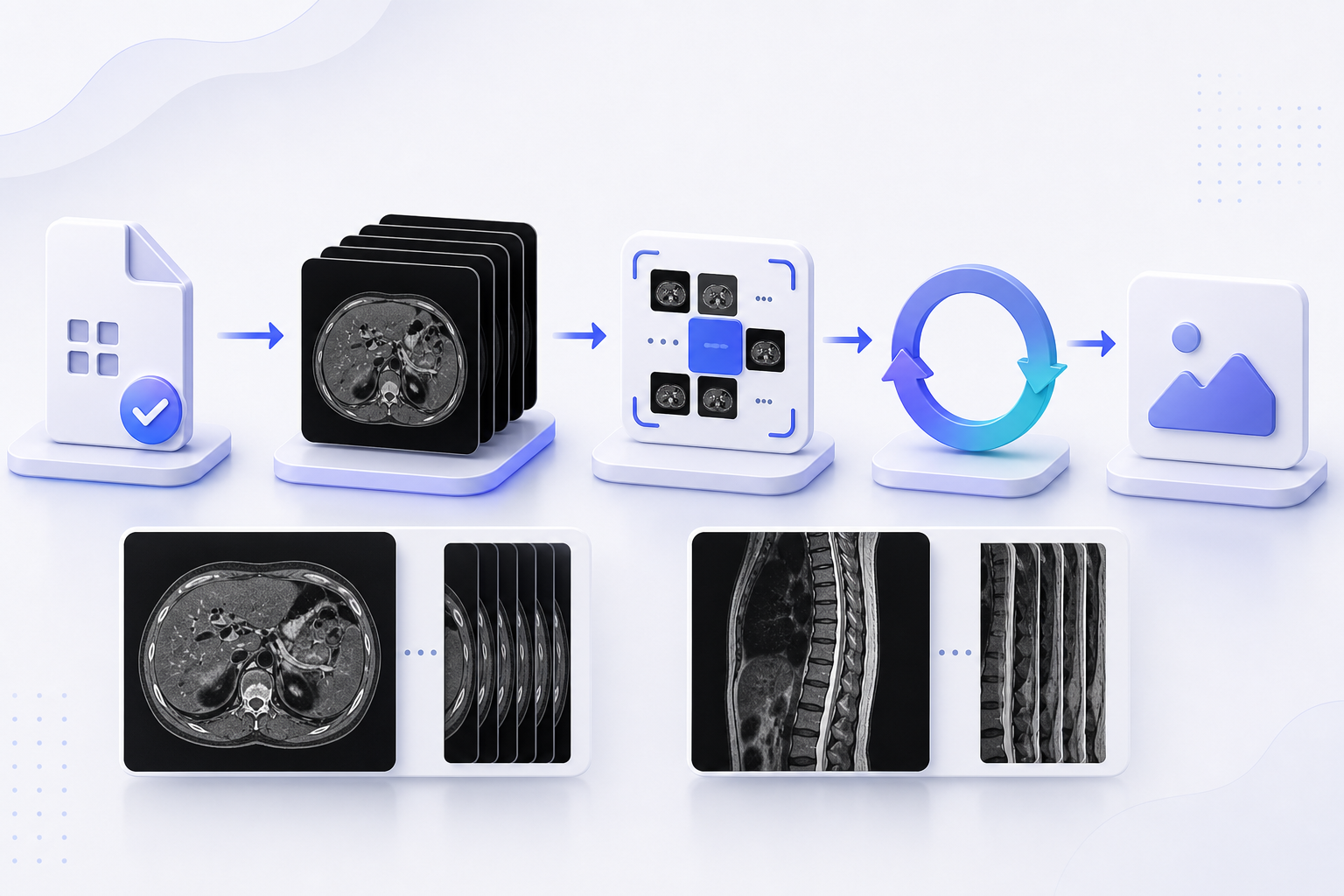
The Doconut DICOM Plugin lets your application load medical imaging files in the same secure, browser-based viewer your users already know. Open .DCM and .IMA files in the browser, render multi-frame DICOM studies, inspect individual frames, and control animation behavior through DicomConfig.

Most document workflows treat medical imaging as a separate island. Doconut brings DICOM files into the same browser viewer experience as PDFs, Office documents, CAD files, images, emails, and other supported formats.
Doconut is built for teams that need a production-ready online DICOM viewer workflow without stitching together separate engines, viewers, and custom integration layers.
Move from evaluation to a working DICOM web viewer in days instead of spending months on custom viewer and backend integration.
Get the browser viewer, server-side rendering pipeline, and DICOM-specific behavior in one product family for .NET and ASP.NET applications.
Clear plugin pricing makes budgeting easier for developer, site, and SDK licensing scenarios.
Reduce hidden engineering cost by avoiding multi-tool assembly, custom image rendering, and long maintenance cycles.
Use the same OpenDocument workflow your Doconut integration already understands.
Ideal for portals, repositories, review workflows, and document systems that need to view DICOM files inside the browser.
Doconut DICOM is designed for web-based viewing workflows. It is not positioned as a full clinical-certified PACS replacement for hospital-grade diagnostic use.
Add a browser-based DICOM file viewer to your .NET or ASP.NET application and let users open .DCM and .IMA medical imaging files inside the same Doconut viewer workflow.
Add DICOM file viewer support without changing the way your users open documents.
Built for DICOM file workflows in Doconut web applications.
Review multi-frame DICOM files as animation, frame pages, or both.
Use ImageResolution or per-axis horizontal and vertical DPI settings.
Adjust frame delay and choose whether animations loop indefinitely or stop after a defined count.
Let users inspect DICOM images with familiar viewer tools for zooming, rotation, and horizontal or vertical flip.
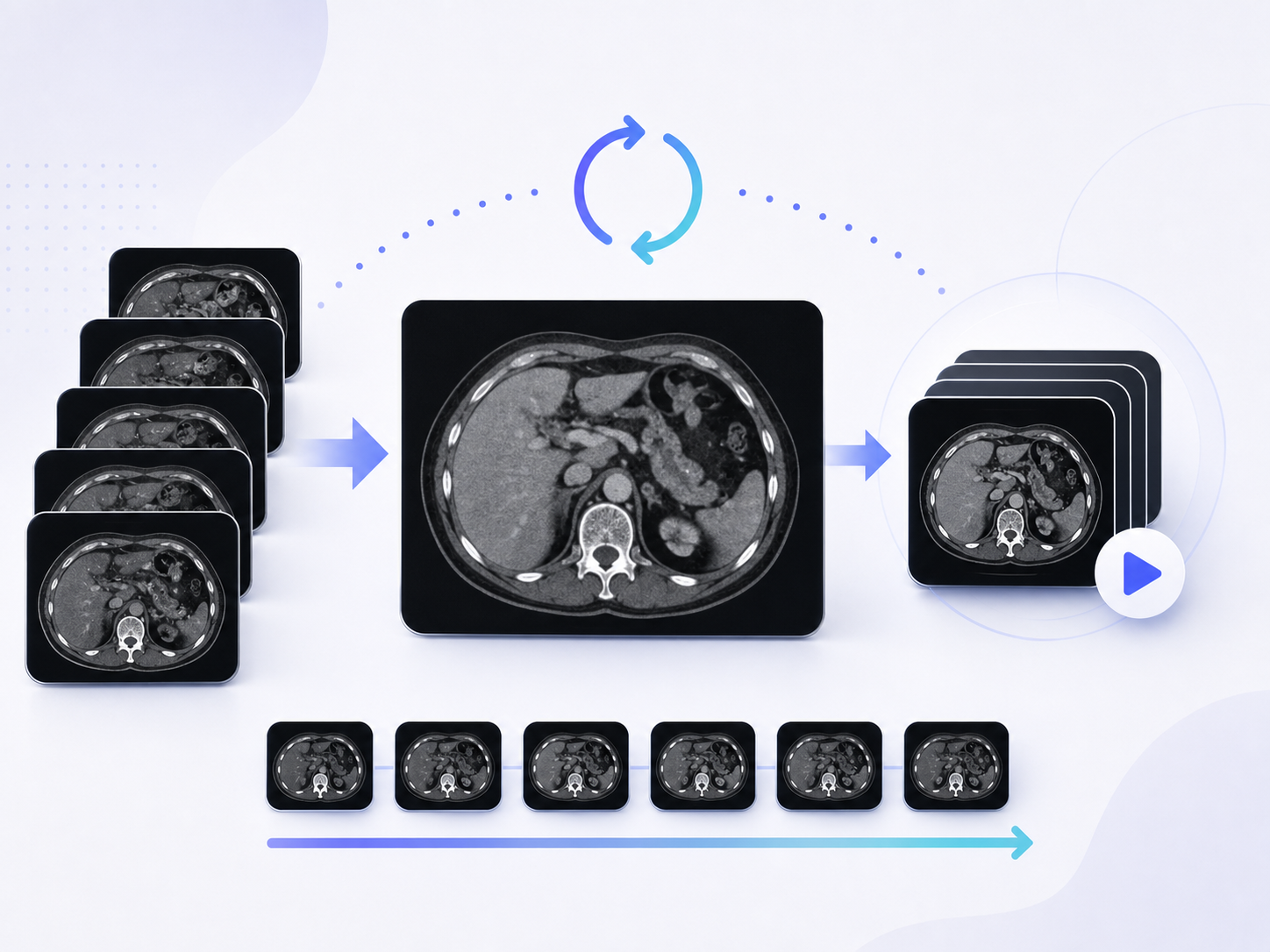
DicomConfig.DisplayMode gives developers control over how multi-frame DICOM files are presented in the browser.
One viewer page with an animated GIF built from the DICOM frames.
Each DICOM frame becomes a separate static viewer page.
Page one shows the animation, followed by individual frame pages for detailed navigation.
Developers can pass a DicomConfig when opening DICOM files. The plugin handles DICOM-specific rendering while the rest of the .NET viewer integration stays familiar.
var config = new DicomConfig
{
    DisplayMode = DicomDisplayMode.AnimationAndFrames,
    ImageResolution = 150,
    AnimationFrameDelayMs = 100,
    LoopCount = 0
};

var token = viewer.OpenDocument(filePath, config, new DocOptions
{
    TimeOut = 30
});
Doconut DICOM support targets the production frameworks customers use today for .NET DICOM viewer integrations.
Supported
Supported
Supported
Doconut turns DICOM medical imaging files into web-friendly viewer output so teams can review studies inside existing document portals and .NET web applications.
Serve DICOM frames and animations in formats browsers can display reliably.
Tune image resolution, frame display mode, animation delay, and loop behavior through DicomConfig.
DICOM rendering stays inside the same Doconut viewer experience.
Animated pages are served as GIF while frame pages and thumbnails use stable PNG output.
Choose the license that matches how you deploy DICOM viewing in your Doconut application.
| License | Price | Best for | Includes |
|---|---|---|---|
Developer License | $149 | One developer building or maintaining a Doconut DICOM integration. | Licensed access to the DICOM plugin for development and project implementation. |
Site License | $299 | A production deployment owned by one organization. | DICOM viewing for site-level deployments that need predictable commercial coverage. |
SDK License | $899 | Teams embedding Doconut into redistributed or multi-client software. | Broader licensing for SDK-style distribution and customer-facing product scenarios. |
Prices shown are for the DICOM plugin add-on. Final licensing terms depend on your Doconut license type and deployment model.
Request DICOM PluginUse the plugin when DICOM files need to live alongside the rest of a document workflow instead of sending users to a separate desktop viewer.
The plugin is designed for web-based viewing workflows. Product, regulatory, and clinical-use claims should be reviewed according to the customer deployment and intended use.
Key implementation details for teams evaluating a DICOM web viewer add-on.
Yes. The plugin lets Doconut open DICOM files in the browser so users can review medical imaging files without launching a separate desktop viewer.
It is a browser-based DICOM viewer component for your own Doconut web application. Your deployment controls where files are stored, processed, and served.
No. It integrates into the existing Doconut viewer pipeline and uses the same OpenDocument pattern as other supported formats.
Yes. Doconut DICOM support targets .NET Framework 4.7, .NET Standard 2.0, and .NET 6.0 deployments, making it a practical DICOM viewer option for .NET and ASP.NET web applications.
Doconut DICOM supports .DCM and .IMA medical imaging files.
Yes. Multi-frame files can be rendered as animation, individual frame pages, or both.
.NET Framework 4.7, .NET Standard 2.0, and .NET 6.0 are supported today. .NET 8 and higher support is planned and will be available soon.