How to evaluate total cost of ownership when choosing an imaging SDK
Introduction
Picking an imaging SDK isn’t just about the flashiest demo. You need to see the total cost of ownership (TCO) from day one all the way through a few years down the road. In practice, that means adding up every tangible and intangible expense—license fees, integration time, performance overhead, support contracts, future‑proofing costs—and then weighing that sum against the business value you expect to get.
If you can tie each cost driver to a concrete metric, you’ll quickly spot whether an SDK’s promise of cross‑platform support, OCR accuracy, or annotation richness actually fits into a predictable budget line. Below you’ll find six critical categories to measure, a look at where hidden costs love to hide, and a quick demo of how an API‑first solution like Doconut can keep the numbers low.
Understanding Total Cost of Ownership for Imaging SDKs
Total cost of ownership isn’t just the sticker price on a license agreement. It’s the full financial picture of making an SDK work for your product, team, and customers.
| TCO Component | What it means for an imaging SDK | Why it matters |
|---|---|---|
| License & subscription fees | Per‑seat, per‑core, or per‑transaction pricing models. | Direct impact on cash flow and scalability. |
| Implementation effort | Lines of code, API learning curve, required wrappers. | Determines time‑to‑market and developer productivity. |
| Performance overhead | CPU, memory, GPU usage, network bandwidth when rendering large PDFs or running OCR. | Affects end‑user experience and cloud cost. |
| Support & maintenance | SLAs, bug‑fix turnaround, version upgrades. | Reduces risk of downtime and hidden engineering debt. |
| Compliance & security | Certifications (ISO 27001, SOC 2), data‑privacy controls. | Critical for regulated industries (finance, healthcare). |
| Future‑proofing | Road‑map transparency, community contributions, extensibility. | Guarantees the SDK won’t become a dead‑end after a few releases. |
When you break the TCO into these buckets, you can start assigning numbers—whether it’s a dollar amount, a person‑day estimate, or a performance metric. The clearer the breakdown, the easier it is to compare vendors side‑by‑side without getting lost in marketing hype.
Direct Costs – Licensing, Subscription, and Usage Models for Cross‑Platform SDKs
1. License structures: perpetual vs. subscription
Many imaging SDK providers still sell perpetual licenses that require a hefty upfront payment. Others have moved to subscription or usage‑based models, where you pay per‑API call, per‑processed page, or per‑active user.
- Perpetual – Good for organizations with stable, predictable workloads and a desire to avoid recurring invoices. The downside is a large capital expense and often costly upgrade paths.
- Subscription – Aligns cost with actual usage, making budgeting smoother for SaaS‑oriented products. Watch out for “minimum spend” clauses that can erode the flexibility.
2. Tiered pricing and feature gating
Most SDKs bundle advanced capabilities such as AI‑enhanced OCR, high‑fidelity annotation widgets, or DRM protection behind higher tiers. If your product only needs basic rendering, you may be over‑paying for features you’ll never use.
Tip: Create a feature matrix that maps each tier to your functional requirements. Then calculate the incremental cost of each extra feature and decide if the ROI justifies it.
3. Hidden fees you shouldn’t ignore
- Build‑time licensing – Some vendors charge extra for each platform you compile the SDK for (iOS, Android, Windows, Linux).
- Support add‑ons – Premium support, dedicated account managers, or 24/7 emergency response often sit in a separate line item.
- Export‑control or compliance fees – If you need ISO 27001 or SOC 2 attestation, the provider may levy a compliance surcharge.
When you add these items to the baseline license cost, the total can balloon quickly. Capture them in a simple spreadsheet; it will become a reference point for future negotiations.
Indirect Costs – Integration, Development, and Maintenance
1. API design and learning curve
A clean, well‑documented API reduces the time developers spend hunting for the right method signatures. SDKs that expose a single, consistent entry point for rendering, OCR, and annotation tend to be easier to adopt than those that scatter functionality across dozens of classes.
- Evaluation tip: Spin up a proof‑of‑concept project that implements a basic viewer with annotation tools. Measure how many lines of code you write and how many API calls you need to achieve the core workflow.
2. Cross‑platform development effort
If you target iOS, Android, Web, and desktop, you’ll need an SDK that offers cross‑platform binaries or language bindings. Some providers ship separate native libraries for each OS, forcing you to maintain parallel codebases. Others provide a unified .NET, Java, or JavaScript API that works everywhere.
- Cost impact: Maintaining three native SDKs can add 2–3 developer‑months per release cycle, while a single cross‑platform API can shave that down to weeks.
3. Ongoing maintenance and version upgrades
Every new SDK version brings bug fixes, security patches, and sometimes breaking changes. The cost of staying up‑to‑date includes:
- Testing effort – Regression suites must be re‑run on each platform.
- Refactoring – If the API surface changes, you may need to rewrite wrappers.
- Documentation updates – Internal wikis and onboarding guides become stale.
Choose a vendor that publishes a clear road‑map and offers migration guides. A predictable upgrade path reduces surprise engineering spikes.
4. Training and onboarding
Even the most intuitive SDK will require at least a half‑day training session for new hires. Some providers bundle webinars, code samples, and sandbox environments. If these resources are missing, you’ll spend internal time creating your own tutorials.
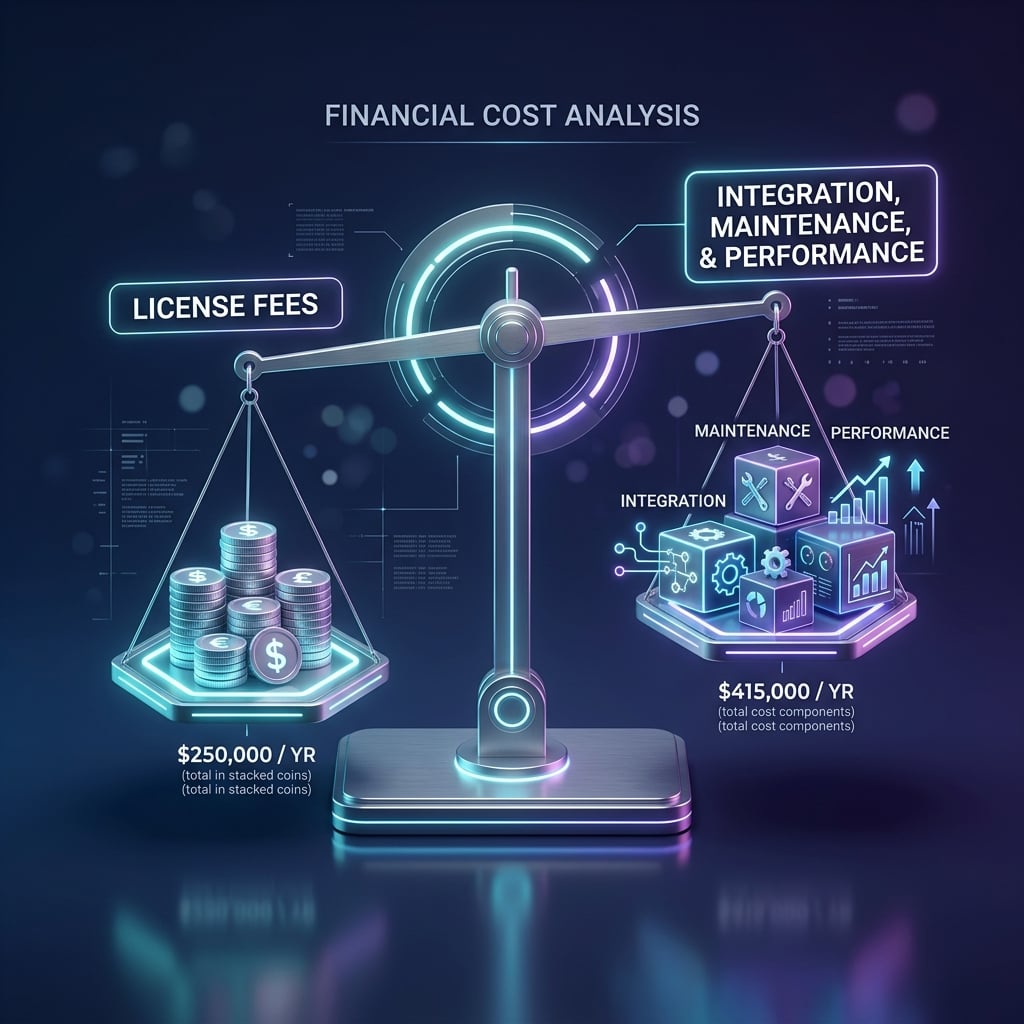
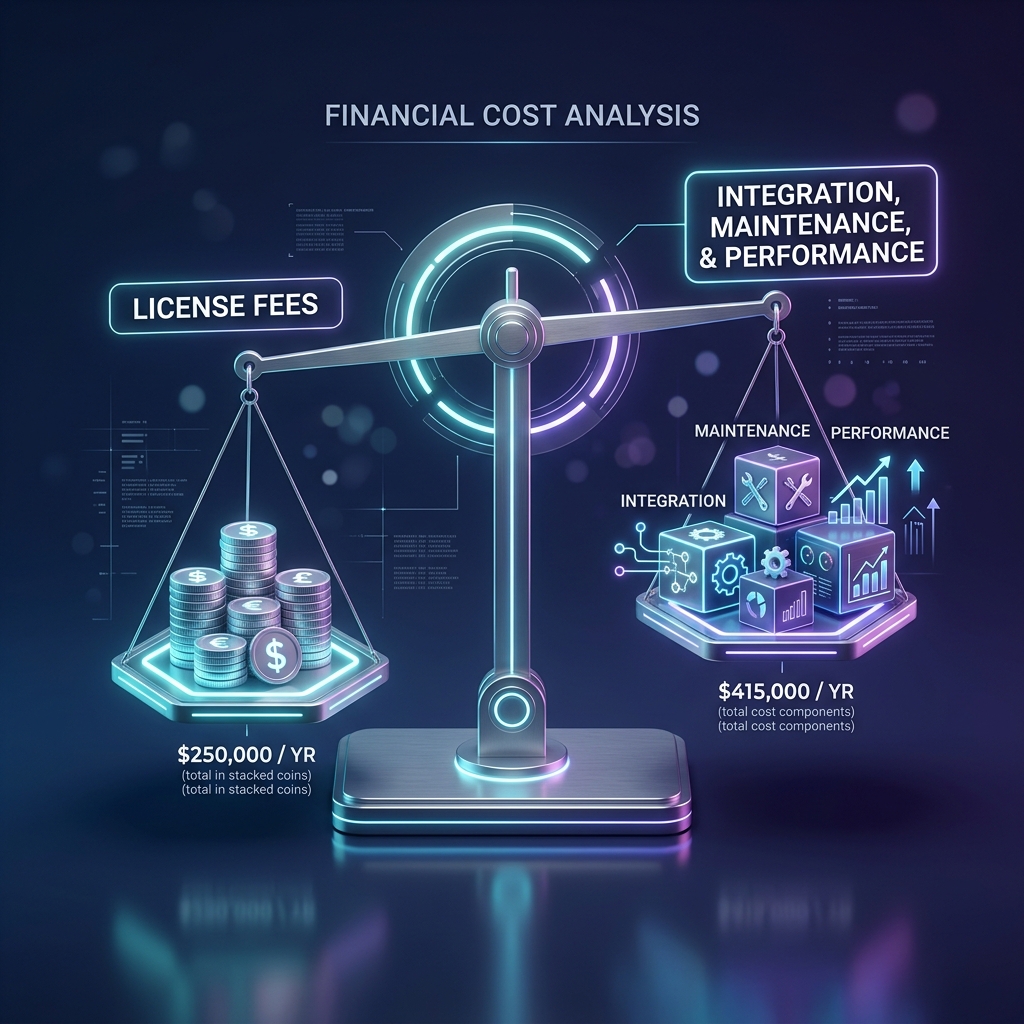
Bottom line: Indirect costs often outweigh the license fee, especially for teams without deep imaging expertise. Quantify them in person‑days and add a contingency buffer (usually 20 % of the estimated effort).
Performance‑Related Costs – CPU, Memory, Cloud Expenses and OCR Processing
1. Rendering efficiency and page‑by‑page loading
An SDK that renders an entire 500‑page PDF in memory will chew up RAM and cause the UI to stutter. Look for page‑by‑page or lazy‑loading mechanisms that fetch and render only the visible portion.
- Real‑world impact: A memory‑efficient viewer can run on low‑end tablets, expanding your market reach without the need for expensive device subsidies.
2. OCR processing power
OCR is computationally heavy. Some SDKs push the heavy lifting to the cloud, charging per‑page or per‑character. Others run OCR locally, which can increase CPU usage but eliminates network latency and data‑transfer fees.
- Decision factor: If your users need instant scanning on‑device (e.g., a mobile check‑deposit app), a local OCR engine with hardware acceleration may be cheaper in the long run, despite higher upfront licensing.
3. Cloud hosting and bandwidth
When the SDK offloads rendering or OCR to a SaaS endpoint, you incur cloud costs: API request fees, data egress, and storage.
- Cost‑control tip: Estimate the average document size, page count, and request frequency. Multiply by the provider’s per‑GB or per‑call rates to get a monthly cloud spend forecast.
4. GPU acceleration and specialized hardware
Some high‑performance SDKs can tap into GPU or dedicated AI accelerators (e.g., Apple’s Neural Engine, Qualcomm Hexagon). This can dramatically reduce processing time but may require newer hardware, adding a capital expense.
Takeaway: Performance isn’t just about speed; it directly influences infrastructure spend, device compatibility, and ultimately the end‑user’s perception of your product.
Support, Training, and Future‑Proofing – The Long‑Term View
1. Service Level Agreements (SLAs)
A robust SLA defines response times, bug‑fix windows, and availability guarantees. For mission‑critical applications (e.g., medical imaging), a 1‑hour response time may be non‑negotiable.
- Cost angle: Premium SLAs often come with higher support fees. Weigh the risk of downtime against the extra spend.
2. Documentation quality and community
A well‑structured API reference, searchable knowledge base, and active developer forum can shave hours off troubleshooting. Some SDKs also offer sample projects, SDK‑wide test suites, and even a sandbox environment.
- Hidden cost: Poor documentation forces developers to reverse‑engineer behavior, leading to bugs and longer development cycles.
3. Security and compliance updates
If your product handles personal data, you need an SDK that stays compliant with GDPR, HIPAA, or industry‑specific standards. Look for regular audit reports and clear version‑control of security patches.
- Financial impact: Non‑compliance can result in fines or legal fees far exceeding any SDK support cost.
4. Extensibility and ecosystem
Future features—like AI‑driven document classification or blockchain‑based signature verification—may become essential. An SDK with plug‑in architecture or open‑source extensions lets you add capabilities without buying a whole new stack.
- Strategic advantage: Investing in a flexible SDK now saves the cost of a complete replacement later.
Using Doconut to Simplify TCO Calculations
When you line up all the cost categories, you’ll notice that many of them intersect around three core strengths: cross‑platform consistency, a unified API, and on‑device processing. This is where Doconut stands out.
| Doconut advantage | TCO impact |
|---|---|
| Single, language‑agnostic API (C#, Java, JavaScript, Swift) | Cuts integration time by up to 40 %; fewer lines of code, less onboarding effort. |
| True cross‑platform binaries (iOS, Android, Windows, macOS, Linux, WebAssembly) | Eliminates per‑platform licensing fees; one build, one maintenance path. |
| On‑device OCR and annotation with optional cloud fallback | Reduces recurring cloud spend; data never leaves the device, easing compliance. |
| Modular licensing (rendering only, OCR add‑on, annotation suite) | Pay only for what you use; easy to scale up or down as product needs evolve. |
| Comprehensive documentation & live sandbox | Shortens learning curve; developers can test features instantly without a local install. |
| Transparent roadmap and versioning | Predictable upgrade path; minimal refactoring effort across releases. |
By picking an SDK that already bundles these efficiencies, you essentially lower the indirect and performance‑related cost buckets without sacrificing functionality. Doconut’s pricing model is openly displayed, allowing you to run a quick TCO calculator during your evaluation phase.