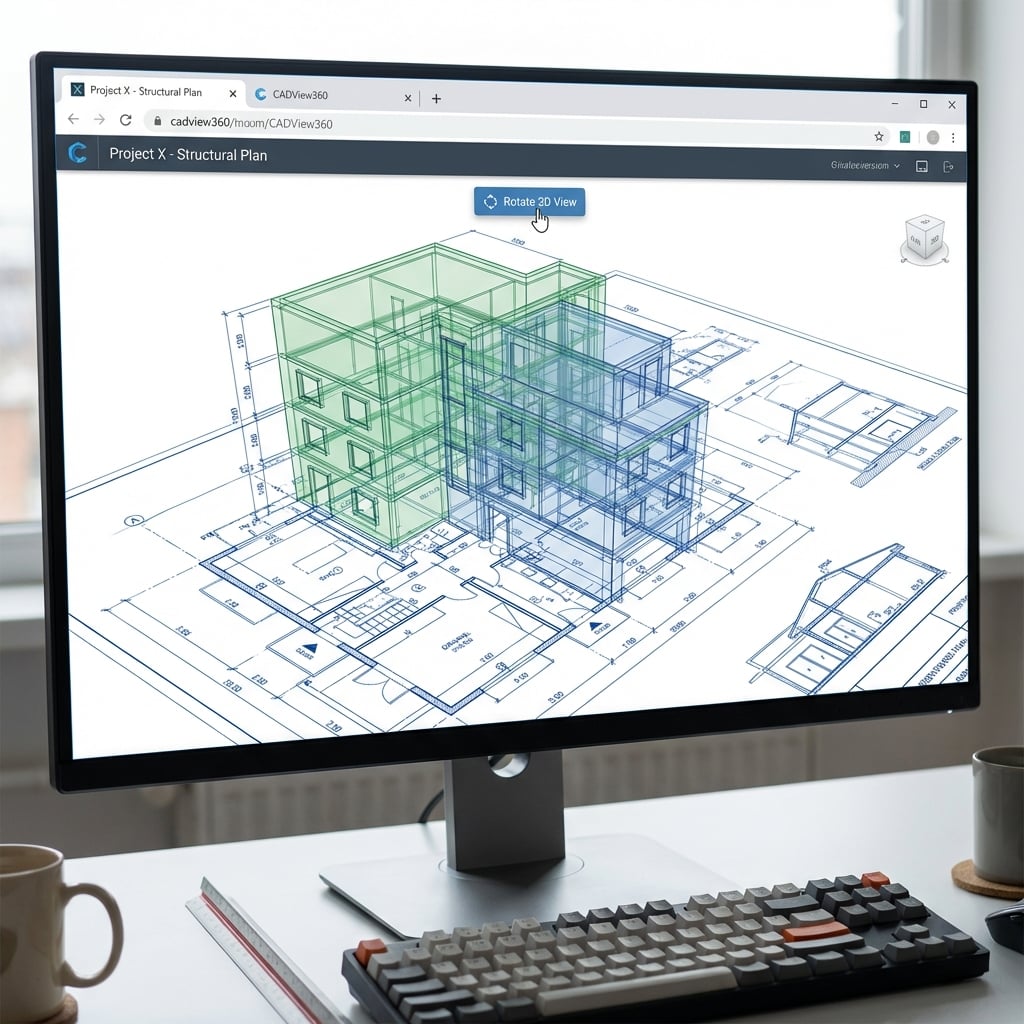
Handling Complex CAD & Engineering Drawings in the Browser
The Engineering Bottleneck
In construction, manufacturing, and architecture, CAD files (DWG, DXF, DGN) are the lifeblood of the project. However, accessing these files creates a massive bottleneck:
- Expensive Licenses: AutoCAD licenses are costly; giving one to every project manager or site inspector is prohibitive.
- Heavy Software: Installing viewer software on every laptop is a nightmare for IT.
- Version Incompatibility: "Can you save this down to version 2018 so I can open it?" is a common frustration.
High-Fidelity Web Rendering with Doconut
Doconut breaks these barriers by rendering CAD formats directly to the browser. It supports a vast array of formats including DWG (up to latest 2024/2025 formats), DXF, DGN (MicroStation), and PLT.
Precision Matters
Unlike generic image converters, Doconut is built to respect the precision of engineering drawings.
- Vector-Like Zoom: While we stream images, our smart zooming / tiling technology ensures that even when you zoom in on a tiny screw details, the lines remain crisp.
- Layer Visibility: CAD drawings often contain widely different data on different layers (e.g., HVAC vs. Electrical). Doconut allows users to toggle layers on and off dynamically in the browser.
Collaboration features for AEC
Doconut isn't just for viewing; it's for working.
- Measurements: Users can measure distances and areas directly on the plan.
- Redlining: Site supervisors can mark up issues (e.g., "Move this wall") directly on the drawing using annotations.
- Cross-Device Access: A supervisor can pull up the latest electrical schematic on an iPad right at the construction site—no laptop required.
Seamless Integration
For SaaS platforms serving the AEC (Architecture, Engineering, Construction) industry, embedding Doconut means you can offer a "Built-in CAD Viewer" as a premium feature of your software. You don't need to rebuild a rendering engine from scratch.
Empower your engineering teams to collaborate faster with Doconut.