Future Trends in Document Processing and What They Mean for .NET Developers

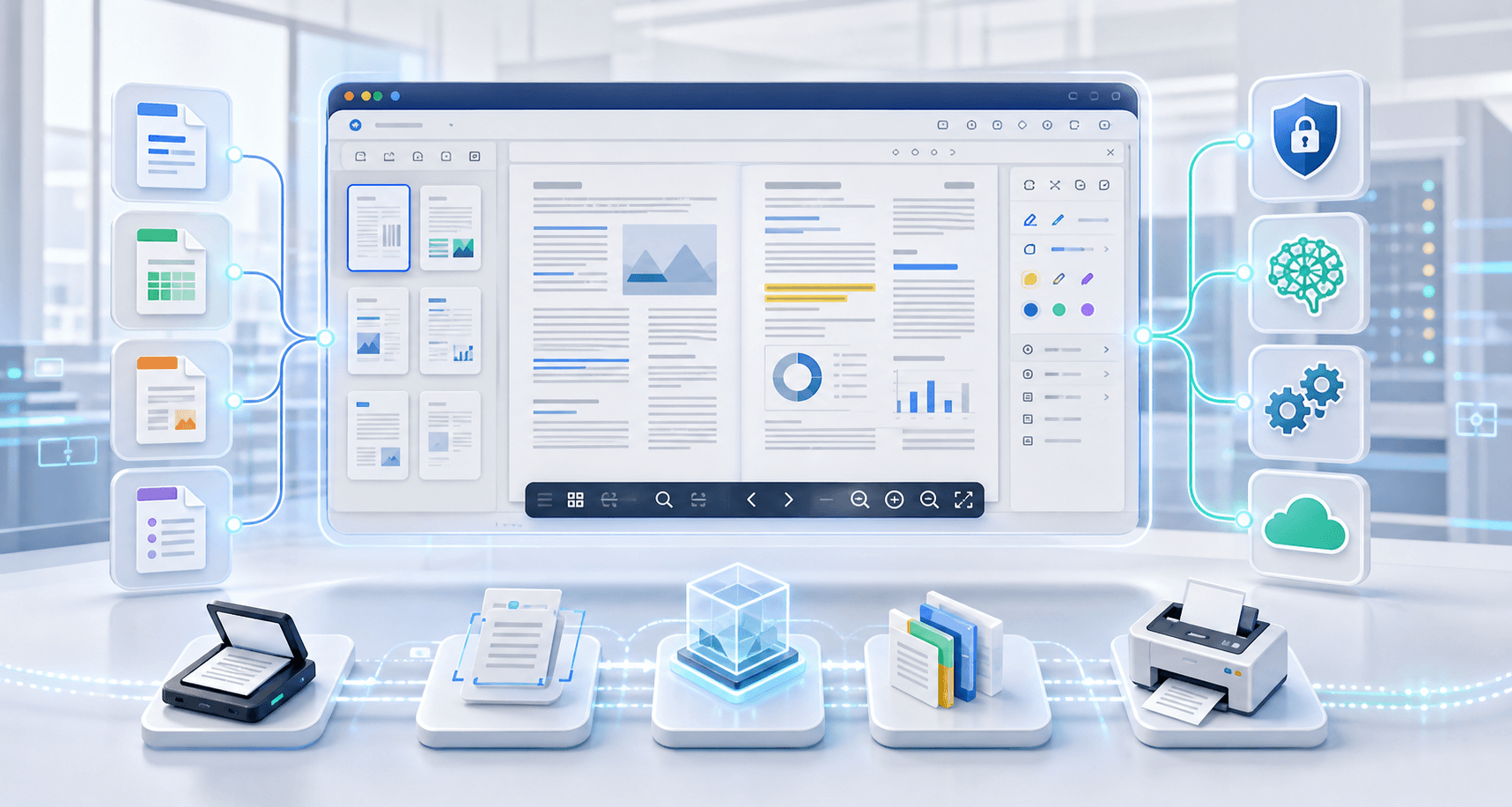
Document processing is changing quickly. Business applications no longer need to treat documents as static files that users download and open somewhere else. Instead, users expect to preview, search, annotate, print, convert, and manage documents directly inside the application.
For .NET developers, this creates an important opportunity. A document workflow can become part of the application experience instead of a separate manual process.
Doconut Viewer helps .NET teams add document viewing and interaction features to ASP.NET, MVC, .NET Core, .NET 6+, Blazor, and related web application scenarios. With optional plugins for search, annotation, conversion, and controlled printing, Doconut can support modern document workflows inside business applications.
This article reviews key trends in document processing and explains how developers can prepare their applications using Doconut.
Trend 1: Document Viewing Is Becoming Part of the Application Workflow
In older systems, users often downloaded a document and opened it with desktop software. That approach still works for simple cases, but it can create problems in business workflows.
Users may lose context, save local copies, use different software versions, or skip application rules. For sensitive workflows, this can make access control and auditing harder.
Modern applications increasingly keep document activity inside the application. Users can open a file, review it, search it, annotate it, or print it without leaving the system.
This is useful for:
- Document management systems
- Legal applications
- CRM platforms
- HR systems
- Financial applications
- Insurance workflows
- Healthcare-related systems
- Internal approval tools
- SaaS products with uploaded documents
Doconut Viewer supports this trend by allowing developers to display documents directly inside .NET applications.
Learn more about Doconut Viewer
Trend 2: Multi-Format Viewing Is More Important Than PDF-Only Preview
PDF is important, but it is not the only format used by business applications.
Users may need to open Word documents, Excel spreadsheets, PowerPoint presentations, CAD drawings, emails, images, text files, and other document types.
If an application only supports PDF preview, users may still need external software for many common files.
Doconut supports many common business formats, including DOC, DOCX, ODT, XLS, XLSX, ODS, CSV, PPT, PPTX, ODP, PDF, VSD, MPP, TIF, XPS, PSD, DWG, DXF, DGN, EML, MSG, TXT, RTF, XML, EPUB, SVG, JPG, JPEG, BMP, GIF, PNG, HTML, and MHT.
This helps developers offer a more consistent viewing experience for different file types.
Review supported formats in the Doconut FAQ
Trend 3: Search Is Becoming a Core Document Feature
As documents grow larger, users need faster ways to find information. Manually scrolling through long files is inefficient, especially in workflows involving contracts, policies, invoices, reports, manuals, or case records.
Document search helps users locate relevant terms and move directly to the right section.
The Doconut Search Plugin adds search capabilities to the viewer workflow. This can be useful when users need to find names, dates, clauses, invoice numbers, product codes, or other text inside supported documents.
Search can improve workflows such as:
- Contract review
- Invoice processing
- Policy review
- Legal document analysis
- Internal documentation
- Technical manuals
- Records management
When implementing search, developers should test with the real files used by their application. Search behavior can depend on the document format, text availability, fonts, file quality, and plugin configuration.
Trend 4: Annotation Is Moving From Simple Markup to Workflow Review
Annotations are no longer only visual notes. In many applications, annotation is part of a business process.
A user may highlight a clause, stamp an approval, mark an issue, add a comment, or point another user to a specific section of a document.
The Doconut Annotation Plugin helps developers add annotation functionality to document viewing workflows.
Annotation can support:
- Contract review
- Approval workflows
- Quality assurance
- Legal review
- Internal document review
- Claims processing
- Team collaboration
- Records correction workflows
A good annotation workflow should define how annotation data is stored, who can edit it, whether it is visible to other users, and whether it should be included in audit records or exported files.
Doconut provides the viewer and annotation layer, while the application can manage the workflow rules around it.
Trend 5: Conversion Still Matters in Document Workflows
Even when viewing is the main requirement, some workflows still need document conversion.
Applications may need to generate a PDF, prepare files for printing, normalize document formats, export a copy, or create a format that can be used by another internal process.
The Doconut Converter Plugin supports conversion scenarios inside .NET applications.
Conversion may be useful for:
- Generating PDF output
- Exporting documents for users
- Preparing documents for printing
- Normalizing uploaded files
- Creating archive copies
- Supporting downstream document processes
Developers should treat conversion carefully because it creates a new output file. That file may need its own storage, permissions, logging, retention rules, and cleanup process.
Viewing and conversion should be designed as separate parts of the document workflow.
Trend 6: Printing Requires More Control
Even in digital workflows, printing is still required in many industries. Legal teams, finance teams, healthcare-related workflows, government processes, and internal business systems may still need controlled print output.
However, printing can also create risk. Printed copies may leave the application’s control, so developers need to decide who can print and under what conditions.
The Doconut Controlled Printing Plugin helps developers manage printing behavior as part of the document workflow.
Before enabling printing, teams should define:
- Which users can print
- Which document types can be printed
- Whether printed pages need watermarks
- Whether print actions should be logged
- Whether some files should remain view-only
- Whether printing should depend on user role or workflow status
Controlled printing is most effective when combined with the application’s authentication, authorization, and logging rules.
Trend 7: Security and File Control Are Becoming More Important
Document workflows often involve sensitive information. This includes contracts, financial files, personal data, medical records, HR documents, customer records, and internal reports.
Because of this, developers need to understand where files are processed and who controls access.
According to the Doconut FAQ, Doconut is not a SaaS or hosted service. It is installed in the customer’s own environment, and no calls are made to Doconut servers. The FAQ also states that files and information remain under the customer’s control.
This is important for teams that want document viewing inside their own application infrastructure instead of sending files to an external viewing service.
Your application should still manage:
- User authentication
- Role-based authorization
- File storage
- Access logging
- Download permissions
- Print permissions
- Temporary file cleanup
- Retention rules
- Network access
- Backup policies
A document viewer should be part of the security workflow, not a replacement for it.
Trend 8: Developers Need Flexible Document Sources
Modern applications store documents in many places. Some files are stored on disk. Others are stored in databases, internal services, streams, URLs, intranet locations, or cloud storage.
The Doconut FAQ states that documents can be viewed from physical paths, streams, URLs, databases, intranet locations, and IP addresses. It also mentions support for cloud providers such as Amazon AWS S3, Azure Storage, Google Cloud, Dropbox, and Redis.
This flexibility helps developers add document viewing to existing systems without redesigning their entire storage architecture.
When working with sensitive documents, developers should avoid public file paths and make sure the application checks permissions before opening a document.
Trend 9: Performance Tuning Is Part of Document Processing
Document processing performance depends on many factors, including file size, format, number of pages, image resolution, fonts, server resources, cache behavior, and user concurrency.
Instead of making fixed performance promises, developers should test with real documents and tune the application based on expected workloads.
The Doconut FAQ mentions several performance-related settings, including lowering ImageResolution, enabling AutoLoadPages, using .DCN for frequently viewed files, and reviewing AutoClose, TimeOut, and WebFarm samples for memory and multi-server scenarios.
This makes performance tuning a practical part of the implementation process.
Recommended steps include:
- Test with real production-like documents
- Review image resolution settings
- Configure caching appropriately
- Monitor memory usage
- Review timeout settings
- Test large files separately
- Review web farm or load-balanced deployments if required
- Optimize frequently accessed documents when appropriate
Read technical notes in the Doconut FAQ
How Doconut Helps Developers Prepare for These Trends
Doconut can help .NET developers build document workflows that are ready for current and future application needs.
Relevant Doconut resources include:
These tools can be combined based on your application requirements. Some applications may only need viewing. Others may need search, annotation, conversion, printing, or a combination of these features.
Recommended Document Workflow
A modern .NET document workflow may look like this:
- The user signs in to the application.
- The application checks the user’s permissions.
- The user selects a document.
- The application loads the document from an approved source.
- Doconut Viewer displays the document inside the application.
- The user searches inside the document if Search Plugin is enabled.
- The user adds annotations if Annotation Plugin is enabled.
- The user converts or exports only when the workflow requires it.
- The user prints only if Controlled Printing rules allow it.
- The application logs relevant actions and manages storage, retention, and cleanup.
This approach keeps document activity inside the application and gives developers more control over the full workflow.
Best Practices for .NET Developers
When preparing for modern document processing workflows, consider these best practices:
- Start with the document viewing use case before adding extra features.
- Identify the formats your users actually need.
- Test with real documents from your application.
- Keep access control in your own application.
- Avoid exposing direct public file paths.
- Decide which roles can download, print, annotate, search, or convert.
- Review caching and memory usage.
- Separate viewing workflows from conversion workflows.
- Define how annotations should be stored and reloaded.
- Log document access when required by your business process.
- Review temporary files and cleanup rules.
- Use official examples and documentation during implementation.
Key Takeaways
- Document processing is moving toward in-application workflows.
- Multi-format viewing is more useful than PDF-only preview.
- Search helps users find information in large documents.
- Annotation is becoming part of review and approval workflows.
- Conversion remains important when a new output file is required.
- Printing should be controlled when documents are sensitive.
- Security depends on the full application workflow, not only the viewer.
- Doconut can help .NET developers build document viewing, search, annotation, conversion, and printing workflows inside their applications.
Common Questions
Is Doconut only for PDF files?
No. Doconut supports many common business formats, including PDF, Office documents, CAD files, email files, images, and text files.
Can I use Doconut in .NET Core or .NET 6+?
Yes. According to the Doconut FAQ, .NET Core and .NET 6+ are supported.
Does Doconut require Microsoft Office on the server?
No. According to the Doconut FAQ, Office is not required on the server or client side, except for any special fonts used by the document.
Can Doconut search inside documents?
Yes. Search functionality is available through the Search Plugin. Search behavior should be tested with your actual document types and plugin configuration.
Can users annotate documents?
Yes. Annotation workflows can be implemented with the Annotation Plugin.
Can Doconut convert documents?
Yes. Conversion scenarios can be handled with the Converter Plugin.
Can printing be controlled?
Yes. Printing workflows can be managed with the Controlled Printing Plugin and your application’s permission rules.
Does Doconut send files to external servers?
According to the Doconut FAQ, Doconut is installed in your own environment and no calls are made to Doconut servers.
Where can I download examples and documentation?
You can visit the official download page:
Conclusion
Document processing is becoming more integrated, more interactive, and more controlled. Users expect to view, search, annotate, convert, and print documents directly inside the applications they already use.
For .NET developers, this means document processing should be treated as part of the application workflow, not as a separate desktop task.
Doconut helps developers build these workflows with a viewer SDK and optional plugins for search, annotation, conversion, and controlled printing. By combining these features with your application’s own authentication, authorization, storage, and logging rules, you can create document workflows that are easier to manage and better aligned with modern business needs.
To learn more, review the official Doconut resources: