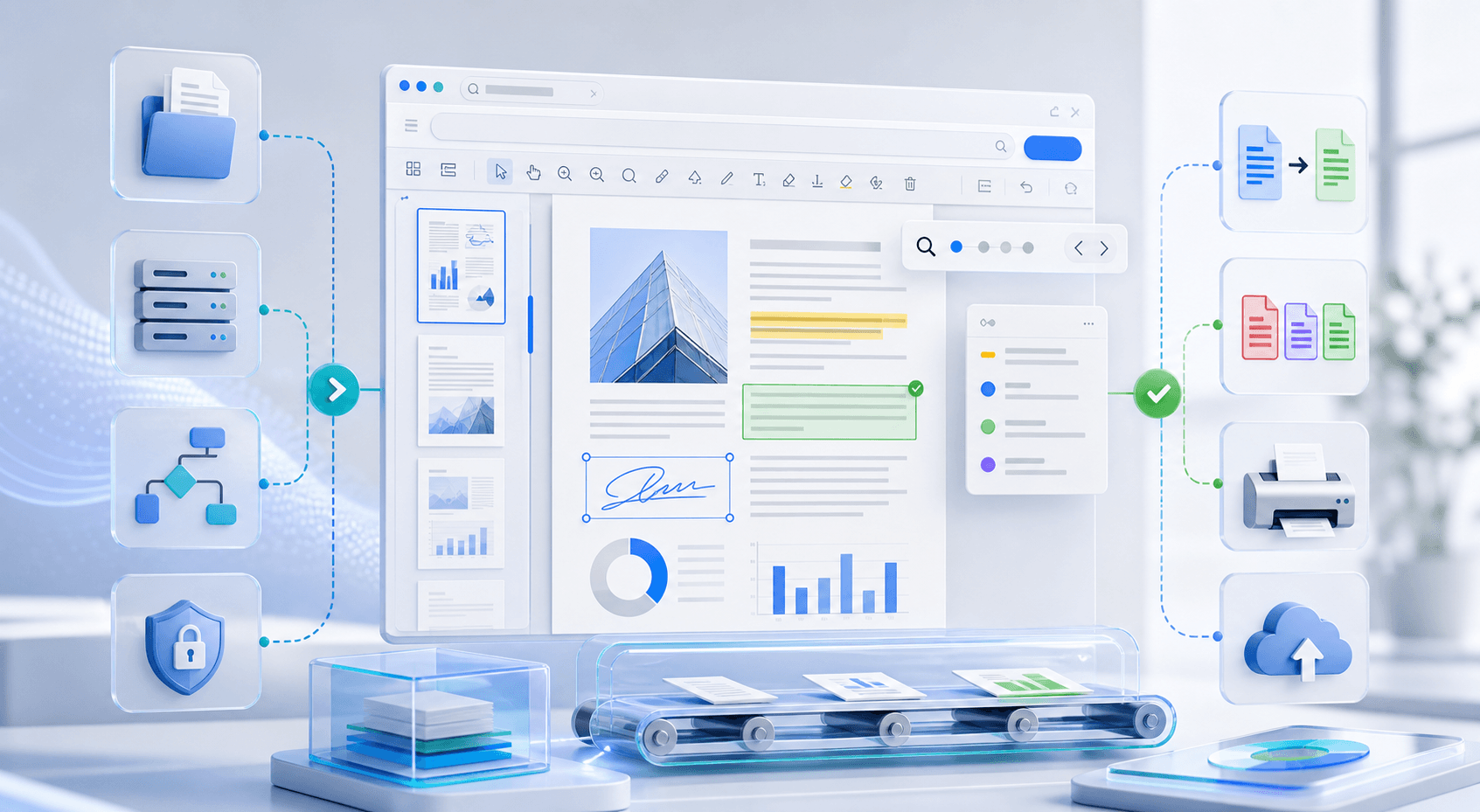
Accelerating Document Automation in .NET Applications with Doconut
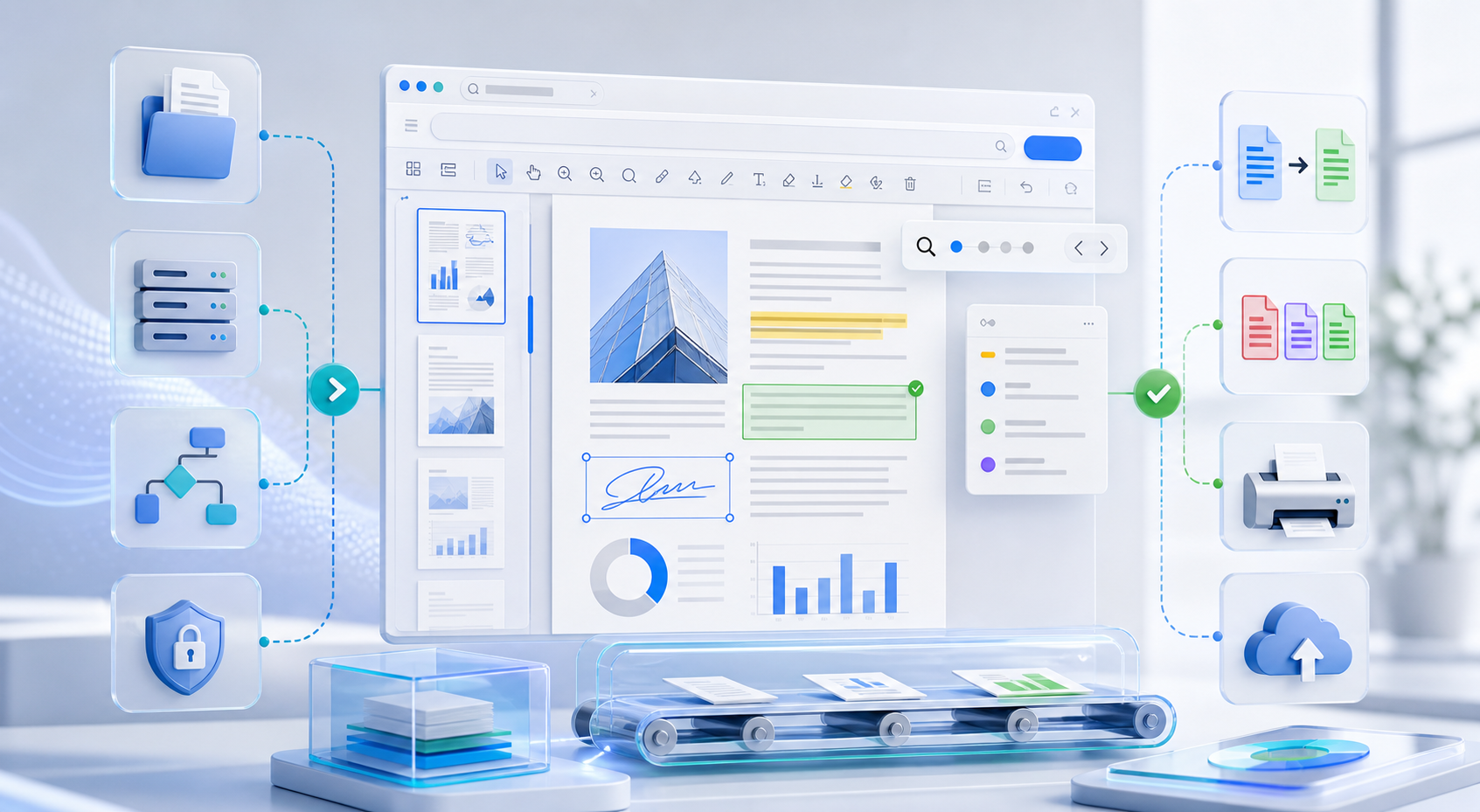
Document automation is an important part of many business applications. Legal platforms, CRM systems, HR portals, financial tools, and internal approval systems often need to open, review, search, annotate, print, or convert documents directly inside the application.
Building these features from scratch can take a lot of time. Developers need to handle rendering, file format compatibility, user permissions, caching, printing, annotations, and document storage.
Doconut Viewer helps .NET teams add document viewing and related document workflow features to their applications. It is designed for server-side document rendering and can be used in ASP.NET and modern .NET web applications.
This guide explains how Doconut can help accelerate document automation workflows using the Viewer SDK and optional plugins such as Search, Annotation, Conversion, and Controlled Printing.
Why Document Automation Matters in .NET Applications
Many applications handle documents as part of a larger workflow. Users may need to:
- Preview uploaded files
- Review contracts
- Search inside documents
- Add comments or annotations
- Print controlled copies
- Convert documents to another format
- Open files from storage, databases, streams, or URLs
- Keep users inside the application instead of forcing downloads
Without a document viewer, users often need to download files and open them with external software. That creates extra steps and can make the workflow harder to control.
A document viewer helps keep the process inside the application. Users can open and interact with files directly from the browser while the application keeps control over access, permissions, and storage.
Using Doconut Viewer as the Foundation
The first step in a document automation workflow is reliable document viewing.
Doconut Viewer allows .NET applications to display many common business document formats, including PDF, Word, Excel, PowerPoint, CAD, email, image, and text files.
This is useful when your application needs one consistent document preview experience instead of separate tools for different file types.
Common use cases include:
- Document management systems
- Contract review portals
- Invoice approval systems
- HR document workflows
- Insurance claim platforms
- Legal case management systems
- Internal business applications
- SaaS products with uploaded documents
With Doconut Viewer, users can preview documents inside your application instead of leaving the system to open local files.
Setting Up Doconut in a .NET Application
The exact setup depends on your project type and framework version, but a typical Doconut integration includes these steps:
- Add the required Doconut package and files to your project.
- Place the license file in the correct location.
- Configure the viewer handler or middleware required by your application.
- Create a viewer instance from your controller or service.
- Open the document from a file path, stream, URL, database, or supported storage source.
- Pass the document token or viewer data to the front-end.
- Render the viewer in your application page.
Doconut provides examples and resources for different .NET environments. You can review the official download and example resources here:
Adding Document Search
Search is one of the most useful features in document-heavy applications. Users often need to find a clause, invoice number, customer name, product code, or other text inside a document.
The Doconut Search Plugin adds search capabilities to the viewer. This helps users locate text inside supported documents without manually scanning every page.
Search is especially useful in:
- Legal document review
- Contract management
- Invoice processing
- Policy and compliance documents
- Technical manuals
- Large PDF files
- Document archives
Instead of building a custom search interface from scratch, developers can use the Search Plugin as part of the Doconut viewer workflow.
Enabling Annotation and Review Workflows
Many business workflows require users to review and mark documents. They may need to highlight text, add comments, draw shapes, stamp approvals, or mark specific sections for another user.
The Doconut Annotation Plugin helps add annotation functionality to document viewing workflows.
This can be useful for:
- Contract review
- Internal approvals
- Document correction workflows
- Legal review
- Design review
- Quality assurance
- Team collaboration
Annotations allow users to interact with the document without modifying the original file directly. Depending on the implementation, annotation data can be stored and reloaded as part of the application workflow.
This gives developers flexibility to decide how annotations should be saved, versioned, displayed, or connected to internal business rules.
Adding Document Conversion
Some workflows require more than viewing. Users may need to export, transform, or generate a different output format.
The Doconut Converter Plugin is designed for document conversion scenarios inside .NET applications.
Conversion can be useful when your system needs to:
- Generate PDF output
- Export documents for download
- Prepare files for printing
- Normalize formats in a document workflow
- Convert uploaded files before storage or review
It is important to separate viewing from conversion. Viewing lets users preview a file. Conversion creates a new output. Depending on your application, converted files may need their own storage, access control, and cleanup rules.
Managing Controlled Printing
Printing can be sensitive in many business environments. Some documents should be view-only. Others may be printable only by certain roles or under specific conditions.
The Doconut Controlled Printing Plugin helps manage printing workflows inside document applications.
Controlled printing can be useful for:
- Legal documents
- Financial records
- HR documents
- Internal reports
- Confidential files
- Customer records
- Compliance workflows
When adding printing features, developers should decide:
- Which users can print?
- Which document types can be printed?
- Should printed documents include watermarks?
- Should print actions be logged?
- Should some files remain view-only?
- Should printing be disabled for certain roles?
A controlled printing workflow helps keep printing aligned with the application’s access rules.
Working With Different Document Sources
Business applications often store documents in different places. Some files may be located on the server. Others may be stored in a database, cloud storage, stream, URL, intranet path, or another approved storage source.
Doconut supports common document source scenarios used in .NET applications. This helps developers add document viewing without forcing all files into one storage model.
Typical document sources include:
- Physical file paths
- Streams
- Binary data
- Databases
- URLs
- Intranet locations
- Supported cloud storage providers
This flexibility is useful when adding document viewing to an existing application that already has its own storage architecture.
Using Caching for Better Document Workflows
Document rendering can involve multiple operations, especially for large files or documents with many pages. Caching helps improve the viewing experience and reduces repeated processing.
Depending on your application setup, Doconut can work with caching strategies such as memory cache or distributed cache.
Caching is useful when:
- Multiple users open the same document
- Users move between pages
- Thumbnails are displayed
- Large documents are viewed frequently
- The same document is reviewed multiple times
- Application performance needs to remain predictable
For larger deployments, developers should review cache expiration, memory usage, server capacity, and storage rules to match the expected workload.
Security Considerations for Document Automation
Document automation often involves sensitive files. The viewer should be part of a secure application workflow, not a replacement for application-level security.
Your application should still control:
- User authentication
- Role-based permissions
- Document access rules
- Storage security
- Download permissions
- Print permissions
- Logging
- Temporary file cleanup
- Network access
- Backup and retention policies
According to the Doconut FAQ, Doconut is installed in the customer’s own environment and no calls are made to Doconut servers. This is important for teams that want document viewing inside their own application infrastructure.
You can review more technical details here:
Recommended Workflow
A practical Doconut-based document workflow may look like this:
- The user signs in to the application.
- The application checks whether the user can access the document.
- The document is loaded from an approved source.
- Doconut Viewer displays the document inside the application.
- The user searches the document if the Search Plugin is enabled.
- The user adds annotations if the Annotation Plugin is enabled.
- The user prints only if controlled printing rules allow it.
- The application saves related workflow data, such as annotations, review status, or audit records.
- The application handles storage, cleanup, and permissions according to internal rules.
This approach keeps document activity inside the application instead of sending users to separate tools.
Best Practices
When building document automation workflows with Doconut, consider the following best practices:
- Start with document viewing before adding advanced workflow features.
- Identify which file formats your users actually need.
- Test with real documents from your application.
- Use application-level permissions before opening files.
- Keep sensitive documents in approved storage locations.
- Decide which roles can download, print, annotate, or convert files.
- Review caching settings for large files or high usage.
- Store annotation or workflow data in a controlled database.
- Avoid exposing direct public file paths for confidential documents.
- Use official Doconut examples and documentation during implementation.
Key Takeaways
- Doconut helps .NET applications add document viewing and workflow features.
- Document automation is useful for legal, financial, HR, CRM, and internal business systems.
- The Viewer SDK provides the foundation for in-app document preview.
- The Search Plugin helps users find text inside supported documents.
- The Annotation Plugin helps build review and collaboration workflows.
- The Converter Plugin supports document conversion scenarios.
- The Controlled Printing Plugin helps manage printing rules.
- Application-level security should control access, permissions, logging, and storage.
- Doconut can be part of a controlled document workflow inside your own .NET application environment.
Common Questions
Is Doconut only for PDF files?
No. Doconut supports many business document formats, including PDF, Office documents, CAD files, email files, images, and text files.
Can I use Doconut in a .NET application?
Yes. Doconut is designed for .NET web application scenarios, including ASP.NET, MVC, .NET Core, .NET 6+, Blazor, and related environments.
Does Doconut require Microsoft Office on the server?
According to the Doconut FAQ, Microsoft Office is not required on the server or client side, except for any special fonts used by the documents.
Can users annotate documents?
Yes. Annotation workflows can be added with the Doconut Annotation Plugin.
Can users search inside documents?
Yes. Search functionality can be added with the Doconut Search Plugin.
Can Doconut manage printing workflows?
Yes. Printing workflows can be managed with the Controlled Printing Plugin.
Where can I download Doconut examples?
You can visit the official download page here:
Conclusion
Document automation in .NET applications is easier when document viewing, search, annotation, conversion, and printing can be handled inside the application workflow.
Doconut helps developers build these workflows without forcing users to download files or rely on separate desktop tools. By combining Doconut Viewer with optional plugins such as Search, Annotation, Converter, and Controlled Printing, .NET teams can create better document workflows for business applications.
To learn more, review the official product and plugin pages: