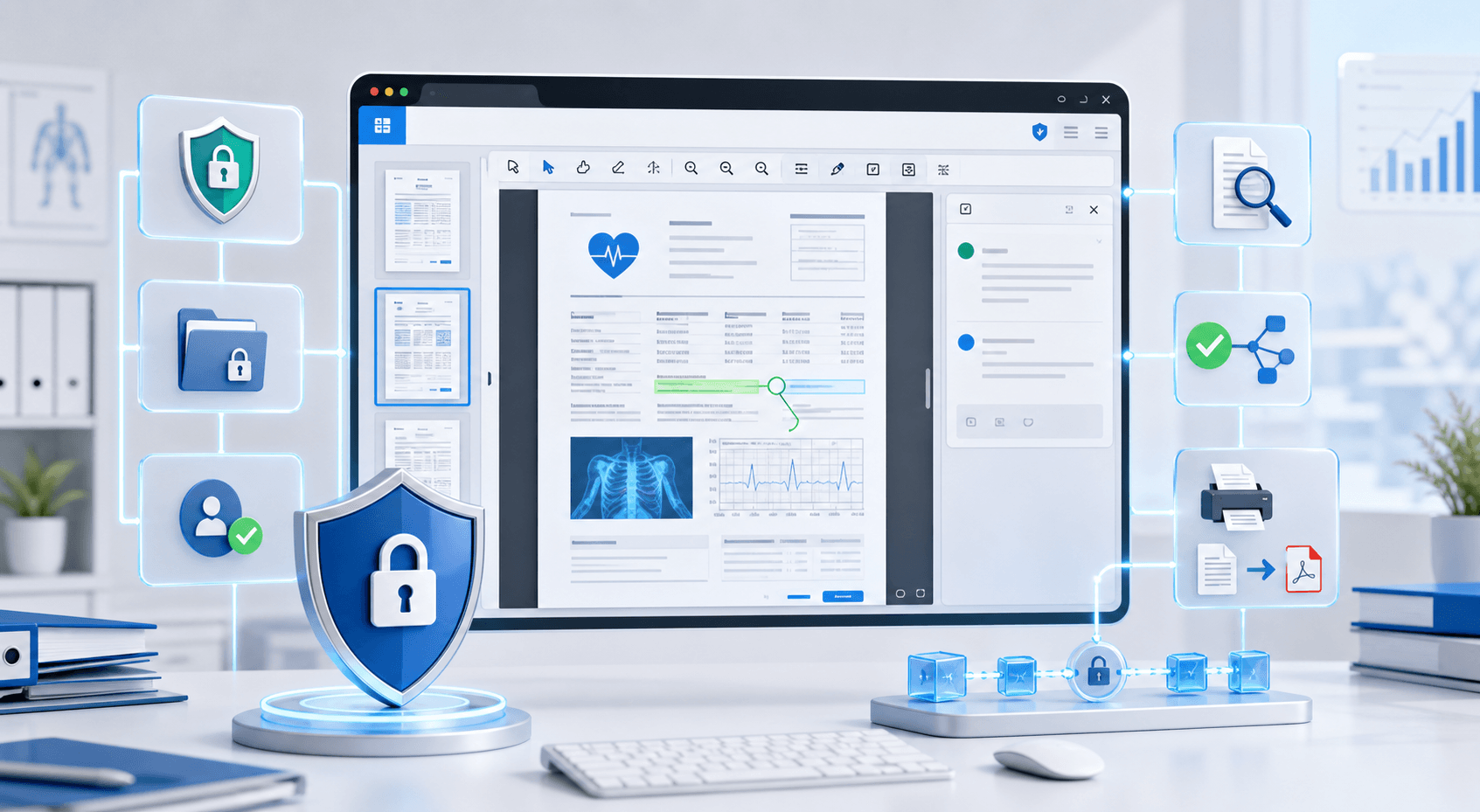
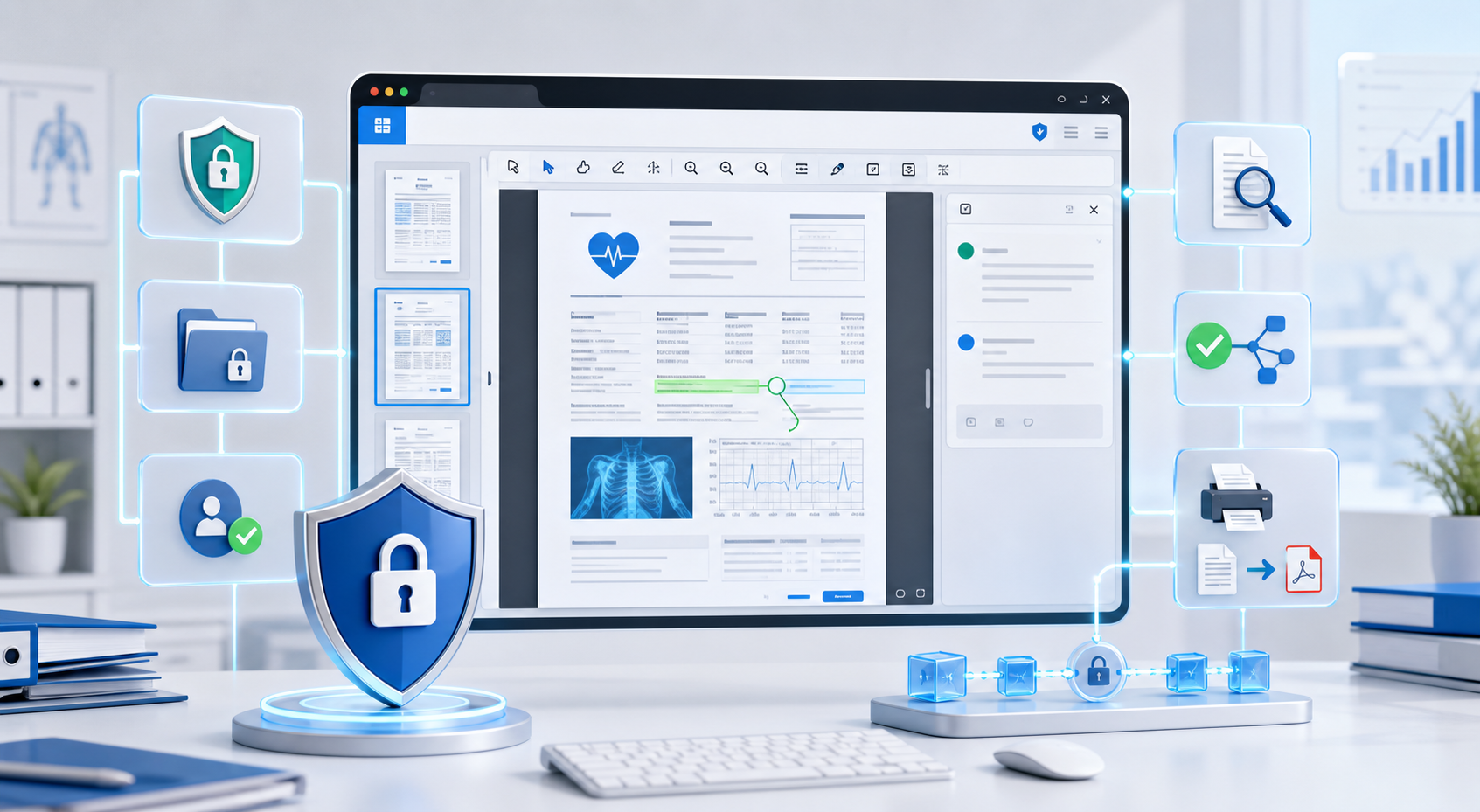
Building Secure Medical Document Viewing Workflows in .NET with Doconut
Introduction
Healthcare applications often need to handle sensitive documents such as medical reports, scanned forms, patient records, consent documents, lab results, referral letters, insurance files, and clinical PDFs.
In many cases, users need to preview, search, annotate, print, or convert these files directly inside a secure application workflow. Asking users to download documents and open them with external software can make the process harder to control and audit.
Doconut Viewer helps .NET developers add document viewing capabilities to healthcare and medical-related applications. It allows teams to display common business document formats directly inside ASP.NET and modern .NET applications while keeping document access under the control of the application.
This article explains how Doconut can support secure medical document viewing workflows using the Viewer SDK and optional plugins such as Annotation, Search, Converter, and Controlled Printing.
Why Medical Document Workflows Need Careful Design
Medical and healthcare-related systems often work with sensitive information. Because of this, document viewing should not be treated as a simple file preview feature.
A healthcare document workflow should consider:
- Who can access the document
- Where the document is stored
- Whether the user can download the file
- Whether the user can print the file
- Whether document access should be logged
- Whether annotations should be saved separately
- Whether converted files are created
- Whether temporary files or cached files need cleanup
- Whether the application follows the organization’s internal security policies
Doconut does not replace your application’s security model. Instead, it can be used as part of a controlled .NET application workflow where your system manages authentication, authorization, storage, logging, and retention rules.
Using Doconut Viewer for Medical Document Preview
The first requirement in many medical document workflows is reliable document preview.
Doconut Viewer allows .NET applications to display multiple file types directly inside the browser. This can be useful for healthcare portals, internal medical systems, claims platforms, document management systems, and patient record workflows.
Common document types in these systems may include:
- PDF reports
- Scanned medical forms
- Word documents
- Excel files
- Email files
- Image files
- Administrative documents
- Insurance-related documents
- Consent forms
- Referral letters
Instead of forcing users to download each file, the application can present the document directly inside the user interface.
This helps keep the workflow inside the application and allows the development team to apply the same access rules used by the rest of the system.
Security Responsibilities Stay With the Application
When working with sensitive medical documents, the most important security decisions are usually handled by the application, not only by the viewer.
Your application should control:
- User login
- Role-based access
- Document permissions
- File storage
- Session handling
- Download permissions
- Print permissions
- Audit logs
- Network access
- Backup and retention policies
- Temporary file cleanup
According to the Doconut FAQ, Doconut is installed in the customer’s environment and does not make calls to Doconut servers. This is important for teams that want document viewing inside their own infrastructure instead of sending documents to an external viewing service.
For healthcare or medical use cases, your organization should still review its own compliance requirements, security policies, deployment model, and legal obligations before going to production.
Mapping Medical Workflow Requirements to Doconut Features
A medical document workflow usually includes several actions around the document. Doconut can help with these actions through the Viewer SDK and optional plugins.
| Workflow need | Doconut feature |
|---|---|
| Preview medical documents inside the application | Doconut Viewer |
| Search inside supported documents | Search Plugin |
| Highlight, comment, stamp, or mark documents | Annotation Plugin |
| Convert files when required by the workflow | Converter Plugin |
| Control printing behavior | Controlled Printing Plugin |
| Load files from application storage | Viewer integration with approved document sources |
| Keep access under application rules | Authentication and authorization handled by your .NET application |
This structure allows developers to build document workflows without relying on separate desktop tools for each document action.
Adding Search to Medical Documents
Search is useful when users need to find a patient name, date, code, diagnosis reference, invoice number, or specific term inside a document.
The Doconut Search Plugin adds search capabilities to the viewer workflow.
Search can be useful in:
- Medical reports
- Scanned forms
- Administrative files
- Insurance documents
- Referral letters
- Historical records
- Large PDF files
- Case review workflows
When implementing search, developers should test with the real document types used by the application. Search behavior can depend on document format, text availability, image quality, and whether the source document contains selectable text.
For scanned or image-based documents, confirm the required OCR behavior in your Doconut version and plugin configuration before promising search availability to end users.
Using Annotation for Clinical and Administrative Review
Medical document workflows often require users to review, mark, or comment on files. A reviewer may need to highlight a section, add a note, stamp a document, or mark a page for follow-up.
The Doconut Annotation Plugin helps developers add annotation features to the document viewer.
Annotation workflows may be useful for:
- Internal document review
- Administrative approvals
- Claim review
- Medical record correction workflows
- Consent document review
- Case management
- Quality assurance
- Team collaboration
A key design decision is how annotation data should be stored. In many workflows, annotations should be stored separately from the original document so the original file remains unchanged.
Your application can decide:
- Who can add annotations
- Who can edit annotations
- Whether annotations can be deleted
- Whether annotations are visible to all users
- Whether annotations should be exported
- Whether annotations should be part of the audit record
This keeps annotation behavior aligned with your application’s access and workflow rules.
Using Conversion in Medical Document Workflows
Some medical document workflows require files to be converted before archiving, printing, sharing, or exporting.
The Doconut Converter Plugin supports document conversion scenarios inside .NET applications.
Conversion may be useful when your system needs to:
- Generate a PDF version of a document
- Convert Office files before review
- Export image-based output
- Normalize documents for storage
- Prepare files for printing
- Create a format suitable for downstream processing
It is important to separate viewing from conversion.
Viewing displays the document to the user. Conversion creates a new output file. If your application creates converted files, you should define how those files are stored, protected, logged, and cleaned up.
Managing Printing With Controlled Printing
Printing is sensitive in healthcare and medical workflows. Some documents should be view-only. Others may be printed only by specific roles or under specific conditions.
The Doconut Controlled Printing Plugin can help developers manage printing behavior inside document workflows.
Before enabling printing, your team should define:
- Which users can print
- Which document types can be printed
- Whether printed documents need a watermark
- Whether print actions should be logged
- Whether some files must remain view-only
- Whether printing should require approval
- Whether downloaded copies are allowed
Controlled printing should be combined with your application’s authorization logic and audit strategy.
Loading Documents From Approved Sources
Medical applications may store documents in different places. Some files may be stored in a secure server folder. Others may be stored in a database, object storage, stream, URL, intranet location, or another approved source.
Doconut supports common document source scenarios used in .NET applications, including file paths, streams, binary data, databases, URLs, intranet locations, and supported cloud storage providers.
This is useful when adding document viewing to an existing healthcare application because the viewer can be integrated with the storage architecture already used by the system.
When working with sensitive documents, avoid exposing direct public file URLs. The application should validate user permissions before opening the document in the viewer.
Recommended Architecture
A controlled medical document viewing workflow may look like this:
- The user signs in to the healthcare application.
- The application checks the user’s role and permissions.
- The user selects a document from an approved record, case, or workflow.
- The application loads the document from a secure storage source.
- Doconut Viewer displays the document inside the application.
- The user searches the document if Search Plugin is enabled.
- The user adds annotations if Annotation Plugin is enabled.
- The user prints only if Controlled Printing rules allow it.
- The application logs relevant actions according to internal requirements.
- The application handles storage, retention, and cleanup based on its own policies.
This approach keeps document activity inside the application and avoids forcing users to rely on external desktop tools for every action.
Best Practices for Healthcare and Medical Document Workflows
When implementing document viewing in healthcare-related applications, consider the following best practices:
- Keep authentication and authorization in your application.
- Do not expose direct public paths to sensitive files.
- Store medical documents only in approved locations.
- Review download and print permissions carefully.
- Test with real files used by your users.
- Define how annotations are stored and protected.
- Decide whether converted files should be retained or deleted.
- Log document access when required by your organization.
- Review cache and temporary file behavior.
- Use secure network configuration.
- Review deployment and compliance requirements with your internal security team.
- Avoid promising compliance unless it has been formally reviewed by your organization.
Doconut can support the document viewing layer, but compliance depends on the full application, infrastructure, policies, and operational controls.
Doconut Features Relevant to Medical Document Workflows
Doconut can be used as part of medical, healthcare, insurance, and records-management applications that need document viewing and interaction features.
Relevant Doconut resources include:
These pages provide more details about available features, integration resources, supported scenarios, and downloads.
Key Takeaways
- Medical document workflows need careful access control, storage rules, logging, and review processes.
- Doconut Viewer can help .NET applications display documents inside the application interface.
- The Search Plugin can help users locate text in supported documents.
- The Annotation Plugin can support review and markup workflows.
- The Converter Plugin can support document conversion scenarios.
- Controlled Printing can help manage print behavior.
- Security and compliance depend on the full application architecture, not only the document viewer.
- Doconut can be part of a controlled .NET workflow where documents remain under your application and infrastructure rules.
Common Questions
Can Doconut be used in healthcare applications?
Yes. Doconut can be used in healthcare-related .NET applications that need document viewing, search, annotation, conversion, or printing features. Your organization should still review its own compliance and deployment requirements.
Does using Doconut automatically make an application HIPAA-compliant?
No. HIPAA compliance depends on the complete application, infrastructure, policies, access controls, audit processes, staff procedures, and legal review. Doconut can support document viewing workflows, but it does not make an application compliant by itself.
Can users annotate medical documents?
Yes. Annotation workflows can be implemented with the Doconut Annotation Plugin.
Can users search inside medical documents?
Yes, if the document format and plugin configuration support searchable content. For scanned documents, validate OCR behavior before promising search to users.
Can printing be restricted?
Printing workflows can be managed with the Controlled Printing Plugin and your application’s permission rules.
Can Doconut convert documents?
Yes. The Converter Plugin supports document conversion scenarios inside .NET applications.
Where can I find Doconut examples and downloads?
You can visit the official download page:
Conclusion
Medical document viewing requires more than simply opening a file in the browser. Sensitive workflows need access control, storage rules, logging, printing decisions, annotation handling, and careful deployment planning.
Doconut helps .NET developers build document viewing and interaction features inside their applications. By combining Doconut Viewer with plugins such as Search, Annotation, Converter, and Controlled Printing, teams can create controlled document workflows for healthcare, insurance, records management, and other sensitive environments.
To learn more, review the official Doconut resources: