
Multi-Format Document Viewing and PDF Annotation in .NET
In today's fast-paced digital landscape, enhancing user experience and operational efficiency is crucial for any application. Doconut.com empowers .NET developers with a sophisticated document viewer solution, allowing users to view, interact with, and manage documents directly within their applications without the need for downloads or additional software.
The Power of Doconut.com
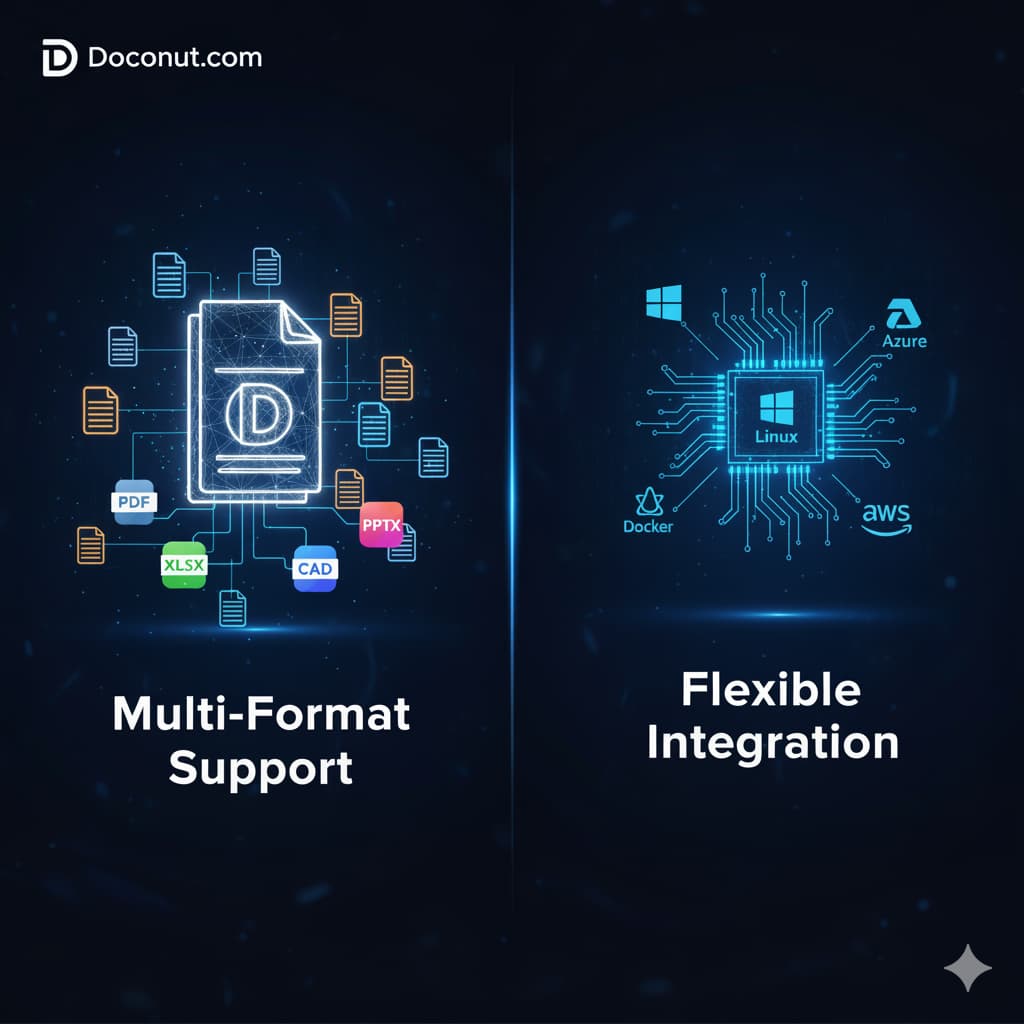
Multi-Format Support
Doconut.com supports 75 file extensions across 18 format families. Whether you're working with PDFs, Word documents, Excel spreadsheets, PowerPoint presentations, or even CAD files, Doconut seamlessly integrates the viewing experience. This flexibility not only enriches user engagement but also simplifies document handling in various industries, including healthcare, legal, and e-learning.
Flexible Integration
Doconut can be embedded in supported ASP.NET applications on Windows x64/x86 or, for .NET 8 and .NET 6, glibc-based Linux x64 environments including Docker on Linux x64. This makes it an optimal choice for organizations transitioning to cloud-based solutions or those looking to enhance existing software capabilities.
Advanced Document Interaction
Doconut.com sets itself apart with a rich array of interactive features designed to elevate user experience:
- Annotation Tools: Users can engage with documents through comments, highlights, and various shapes, fostering collaboration and feedback.
- Search Functionality: The Search plugin locates content already present in a document's text layer; it does not OCR scanned documents.
- Navigation Features: Equipped with thumbnail views, zoom options, and intuitive page flipping, Doconut makes navigating through documents effortless.
PDF Annotation and Search
The Annotation plugin can place highlights and notes over a rendered PDF, while the Search plugin can search an existing text layer. These features do not edit the original PDF or provide real-time collaboration.
Performance Enhancements
The latest version (25.8.0) of Doconut.com delivers significant performance improvements in memory usage and rendering speed, coupled with critical bug fixes. This ensures a smoother, faster experience for end users and reflects the continuous commitment to enhancing product quality.
Secure and Scalable
Doconut prioritizes the security of user data. Server-side processing keeps document rendering in the customer's environment, and Doconut supports web farms and distributed deployments. This combination of security and scalability ensures that businesses can trust Doconut with their most sensitive information.
User-Centric Design
Doconut.com is designed with user experience in mind. The viewer works in supported mobile browsers as well as desktop browsers. This focus on usability makes it suitable for a diverse range of applications and devices.
Why Choose Doconut.com?
Doconut.com distinguishes itself through a unique blend of robust functionality, ease of integration, and user engagement features. It facilitates a seamless viewing experience without relying on clients to install additional software. This capability is particularly appealing for sectors demanding efficient document management solutions.
Customer Support and Resources
To facilitate smooth implementation, Doconut.com provides comprehensive documentation, quick-start guides, and online demos. Additionally, users can access reliable technical support to address any integration challenges swiftly.
Evaluate Doconut.com with a free 30-day temporary license and test integrated document viewing in your own application.
Key Takeaways
- Doconut.com offers extensive support for over 50 document formats, enhancing user versatility.
- With easy integration into existing .NET applications, it streamlines workflows across various platforms.
- Optional Annotation and text-layer Search plugins extend the document viewing experience without editing the original document.
- The latest version improves performance in speed and memory usage, ensuring a superior environment for users.
- A focus on security, scalability, and user-centric design makes Doconut.com a reliable partner for document management needs.
Discover how Doconut.com can transform your document viewing experience today!